



Chromebook Tips and Tricks for Educators

Debra Norton
Presenter
30
mins
Course length
Multi Device
Access from mobile or laptop
4.95
Course rating
An adult and a child sitting at a table, working together on homework with notebooks and a smartphone nearby.
A sequence of black and white geometric shapes alternating between quarter circles and half circles arranged in a horizontal line.

Description

Chromebooks have become an essential teaching tool in many classrooms, but are you using your Chromebook to its fullest potential? Join Deb Norton as she shares a variety of tips and tricks for educators that will save you time and take your Chromebook knowledge to the next level! You will also learn some lesser-known Chrome browser know-hows, including strategies for navigation and troubleshooting.

Start your 7-day free trial today and explore this course at no cost.

Continue your learning with full access to our library of 1000+ courses, learning pathways and microcredentials to support your growth.

Meet

Debra Norton

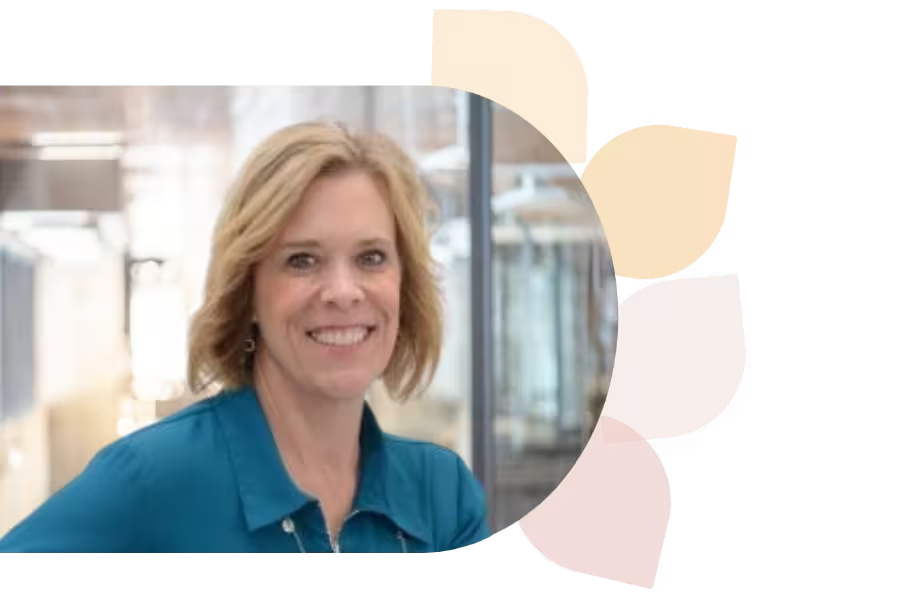
Deb Norton is a Tech Integration Coordinator in Wisconsin’s Oshkosh Area School District. A former 5th grade teacher, she leads ISTE U’s AI course, holds a master’s in EdTech, and is a Google Certified Trainer. She presents nationally and shares her passion via blogging and social media.
Specializes In:
Instructional Technology Coordinator

Ready to grow?

Unlock new strategies and skills—wherever you are in your teaching journey.

A teacher with curly hair and glasses shows a glowing light bulb to a group of smiling children gathered around a table.


