
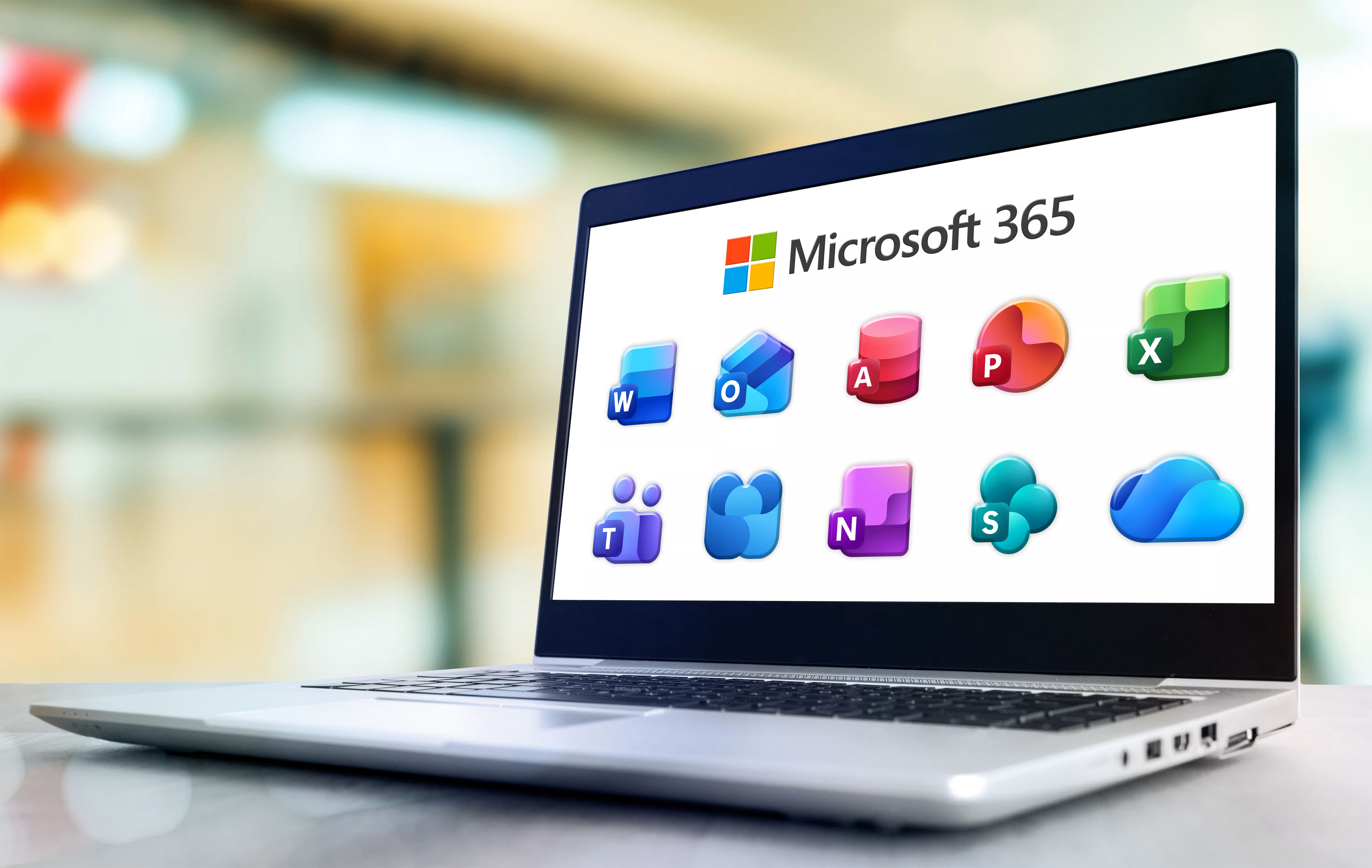


Using Teaching and Accessibility Tools in Microsoft PowerPoint

Tiffany Thompson
Presenter
30
mins
Course length
Multi Device
Access from mobile or laptop
5
Course rating
An adult and a child sitting at a table, working together on homework with notebooks and a smartphone nearby.
A sequence of black and white geometric shapes alternating between quarter circles and half circles arranged in a horizontal line.

Description

Did you know that Microsoft PowerPoint offers accessibility features that make it easier to meet the needs of diverse learners? Join expert trainer Tiffany Thompson as she shares how to use various teaching tools such as annotating, commenting, subtitles, translations and more! You'll also learn how to incorporate Microsoft Forms into your PowerPoint presentations, as well as where to access education templates.

Start your 7-day free trial today and explore this course at no cost.

Continue your learning with full access to our library of 1000+ courses, learning pathways and microcredentials to support your growth.

Meet

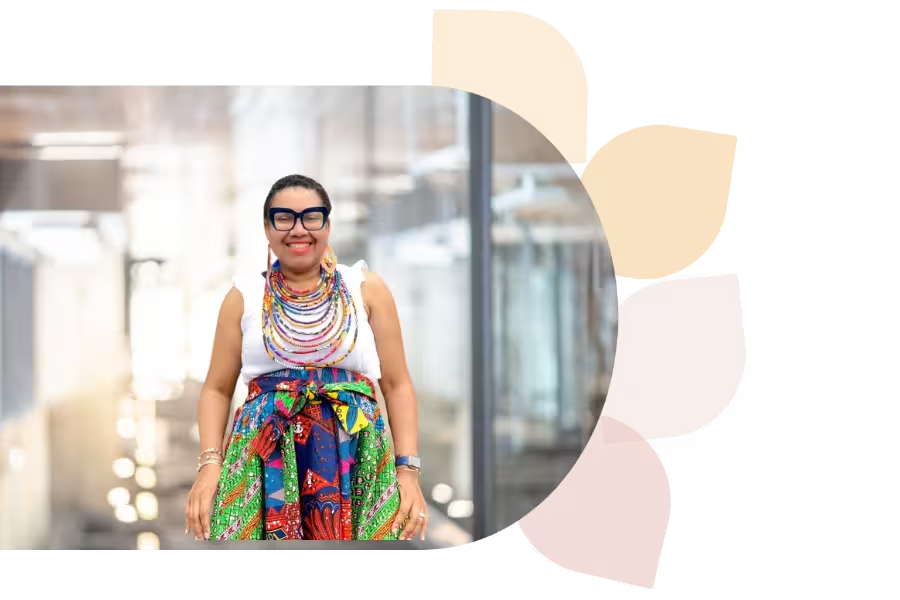
Tiffany Thompson

Tiffany Thompson is an educational technology consultant with 18+ years in education. She has worked as a teacher, tech coordinator, trainer, and college instructor. A Microsoft Master Trainer, Surface Expert, and Innovative Educator Expert, Tiffany helps develop 21st-century teachers and students.
Specializes In:
Educational Consultant

Ready to grow?

Unlock new strategies and skills—wherever you are in your teaching journey.

A teacher with curly hair and glasses shows a glowing light bulb to a group of smiling children gathered around a table.


