




View Your State Requirements

Explore our courses

Choose from 1,000+ expert-led courses in trending categories or follow a curated learning path to build expertise.
Course Type
Categories
Thank you! Your submission has been received!
Oops! Something went wrong while submitting the form.
Creative Ways to Communicate with Parents

Creative Ways to Communicate with Parents

Instructor:
Dr. Matt Bergman

Support students experiencing homelessness at school. Understand their unique challenges and provide appropriate resources.


April 24, 2026
Classroom Management
Course
Learn More
Clock icon
30
minutes
Creative Summative Assessment Techniques, Tips, Resources and Innovative Strategies

Creative Summative Assessment Techniques, Tips, Resources and Innovative Strategies

Instructor:
Naomi Louise

Discover practical strategies that enhance your teaching effectiveness. Gain ready-to-use tools and techniques for immediate classroom impact.

April 24, 2026
Assessment and Review
Course
Learn More
Clock icon
30
minutes
Creative Formative Assessment Techniques, Tips, Resources and Innovative Strategies

Creative Formative Assessment Techniques, Tips, Resources and Innovative Strategies

Instructor:
Naomi Louise

Reach every learner with differentiated instruction strategies. Adjust content, process, and product to meet student needs.

April 24, 2026
Assessment and Review
Course
Learn More
Clock icon
30
minutes
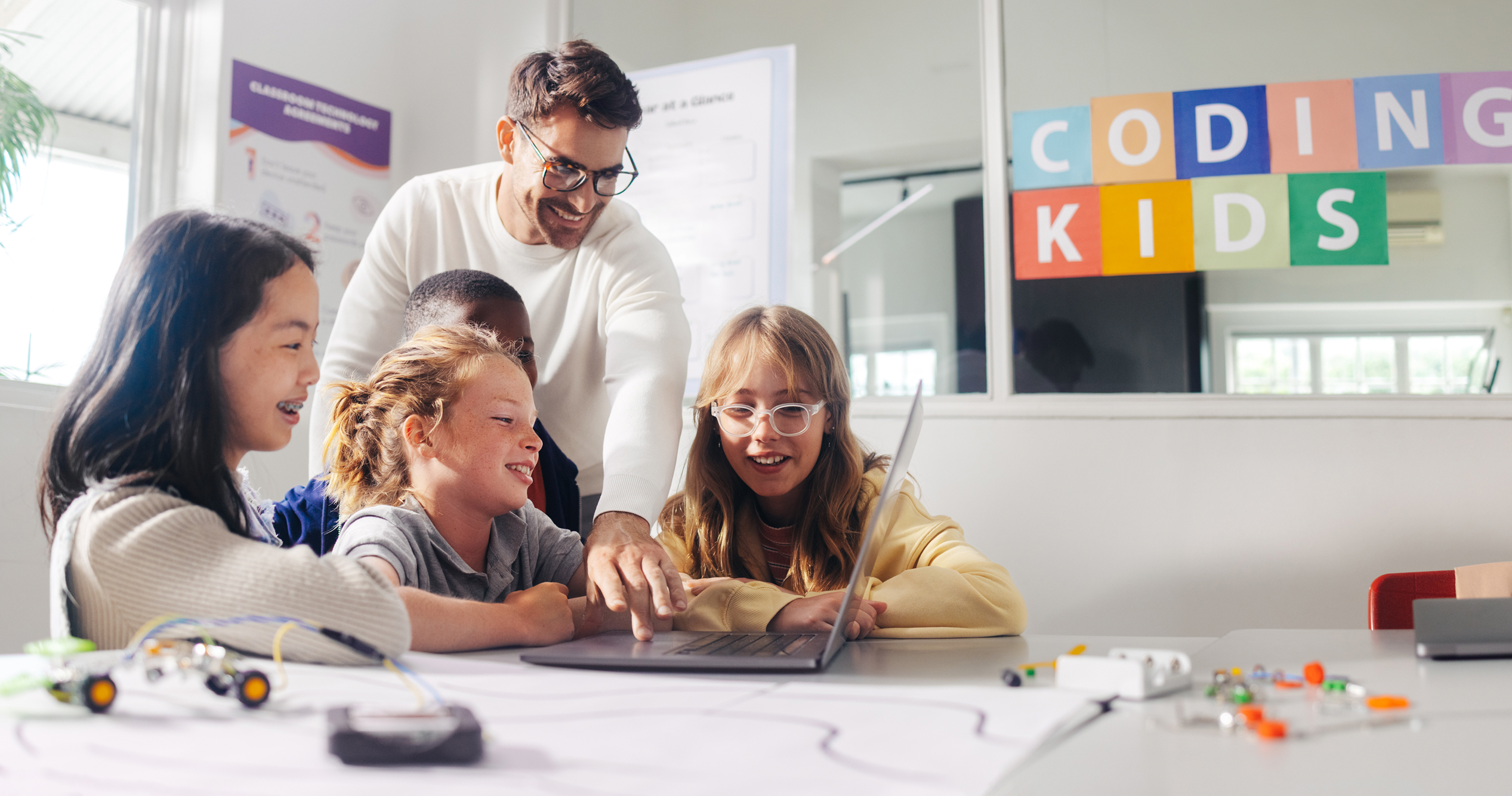
Creative Activities, Projects, Tutorials, and More with QR Codes

Creative Activities, Projects, Tutorials, and More with QR Codes

Instructor:
Carol Miros

Teach digital citizenship skills students need today. Help them navigate online spaces responsibly and ethically.
April 24, 2026
Technology Integration
Course
Learn More
Clock icon
30
minutes
Creating Your Own Digital Anchor Charts Using Google Tools

Creating Your Own Digital Anchor Charts Using Google Tools

Instructor:
Dr. Matt Bergman

Create digital anchor charts with Google tools. Foster independence, learning culture, and problem-solving skills visually.

April 24, 2026
Google Workspace
Course
Learn More
Clock icon
30
minutes
Creating Word Walls with Flipgrid and Google Slides

Creating Word Walls with Flipgrid and Google Slides

Instructor:
Dr. Matt Bergman

Create interactive word walls using Flipgrid and Google Slides. Build digital scavenger hunts that engage and motivate students.

April 24, 2026
Blended Learning
Course
Learn More
Clock icon
30
minutes
Creating Virtual Field Trips with Google Tools

Creating Virtual Field Trips with Google Tools

Instructor:
Lauren Boucher

Create immersive virtual field trips with Google Earth and My Maps. Take students to far-away destinations without leaving class.

April 24, 2026
Blended Learning
Course
Learn More
Clock icon
60
minutes
Creating Virtual Field Trips with Canva

Creating Virtual Field Trips with Canva

Instructor:
Lauren Boucher

Design virtual field trips with Canva for Education. Create immersive explorations that take students anywhere on the planet.

April 24, 2026
Blended Learning
Course
Learn More
Clock icon
60
minutes
Creating Video Lessons with Loom

Creating Video Lessons with Loom

Instructor:
Chrissy Romano Arrabito

Create homework that extends learning meaningfully. Design practice that reinforces skills without overwhelming students.

April 24, 2026
Technology Integration
Course
Learn More
Clock icon
30
minutes
Creating Video Lessons for Flipped and Blended Instruction

Creating Video Lessons for Flipped and Blended Instruction

Instructor:
Dr. Sarah Thomas

Create your first video lesson for flipped or blended instruction. Learn tools, editing tips, and best practices step-by-step.

April 24, 2026
Blended Learning
Course
Learn More
Clock icon
30
minutes
Creating STEM Growth Mindset Vision and Dream Boards

Creating STEM Growth Mindset Vision and Dream Boards

Instructor:
Naomi Louise

Cultivate growth mindset in your classroom and yourself. Help students embrace challenges and view failures as opportunities to learn.

April 24, 2026
STEM & STEAM
Course
Learn More
Clock icon
30
minutes
Creating Self-Grading, Digital Worksheets Using TeacherMade.com

Creating Self-Grading, Digital Worksheets Using TeacherMade.com

Instructor:
Lauren Boucher

Design lessons using backward design principles. Start with goals and assessments to create focused, effective instruction.

April 24, 2026
Assessment and Review
Course
Learn More
Clock icon
30
minutes
Creating Self-Grading Quizzes in Google Classroom

Creating Self-Grading Quizzes in Google Classroom

Instructor:
Dr. Matt Bergman

Rethink grading practices to support student learning. Explore equitable approaches that motivate students and reflect true understanding.

April 24, 2026
Google Workspace
Course
Learn More
Clock icon
30
minutes
Creating Reusable Templates with Jamboard

Creating Reusable Templates with Jamboard

Instructor:
Dr. Matt Bergman

Create reusable Jamboard templates for any subject. Integrate Google Drawings, Slides, and Docs for next-level collaboration.

April 24, 2026
Google Workspace
Course
Learn More
Clock icon
30
minutes
Creating Personalized Bitmoji with Google Drawings

Creating Personalized Bitmoji with Google Drawings

Instructor:
Lauren Boucher

Personalize Bitmoji scenes with Google Drawings. Add or remove elements to create amazing visuals for your virtual classroom.

April 24, 2026
Google Workspace
Course
Learn More
Clock icon
30
minutes
Creating Interactive Formative Assessment with Quizizz

Creating Interactive Formative Assessment with Quizizz

Instructor:
Dr. Matt Bergman

Write learning objectives that guide instruction and assessment. Create clear targets that students can understand and achieve.

April 24, 2026
Assessment and Review
Course
Learn More
Clock icon
30
minutes
Creating Interactive Bitmoji Virtual Spaces with Google Slides

Creating Interactive Bitmoji Virtual Spaces with Google Slides

Instructor:
Lauren Boucher

Create effective digital learning stations for your classroom. Rotate students through engaging, purposeful technology activities.

April 24, 2026
Google Workspace
Course
Learn More
Clock icon
30
minutes
Creating Highly Engaging Lessons with Google Keep (Google's Note-Taking Service)

Creating Highly Engaging Lessons with Google Keep (Google's Note-Taking Service)

Instructor:
Dr. Matt Bergman

Unlock Google Keep's teaching potential. Create engaging lessons, manage projects, build presentations, and organize your classroom.

April 24, 2026
Google Workspace
Course
Learn More
Clock icon
30
minutes
Creating Global Changemakers: Turning Classroom Projects into Real-World Impact

Creating Global Changemakers: Turning Classroom Projects into Real-World Impact

Instructor:
Naomi Louise

Use data to drive instructional decisions effectively. Analyze student data to improve teaching and learning outcomes.
April 24, 2026
Collaborative Learning
Course
Learn More
Clock icon
60
minutes
Creating Fliphunts with Flipgrid

Creating Fliphunts with Flipgrid

Instructor:
Dr. Matt Bergman

Support students dealing with grief and loss at school. Create safe spaces and provide appropriate support for mourning students.

April 24, 2026
Microsoft
Course
Learn More
Clock icon
30
minutes
New Teacher Pathway

New Teacher Pathway

Instructor:
Dr. Samantha Fecich

A structured, self-paced professional learning experience designed to help new teachers build confidence, masterclassroom essentials, and start strong.

February 23, 2026
Pathway
Learn More
Clock icon
60 minutes
Special Education Learning Pathway

Special Education Learning Pathway

Instructor:
Melissa Mann

This guided microcredential brings together essential SPED concepts, from understanding laws and IEPs to implementing practical accommodations and interventions, so educators can create inclusive learning environments where every student can thrive.

February 23, 2026
Pathway
Learn More
Clock icon
30 minutes
AI Learning Pathways for Teachers

AI Learning Pathways for Teachers

Instructor:
Debra Norton

Artificial intelligence is already reshaping teaching and learning. Our AI Learning Pathways guide educators from foundational understanding to real classroom implementation, showing how generative AI tools can support planning, differentiation, feedback, and student engagement.


February 23, 2026
Pathway
Learn More
Clock icon
60 minutes