

Create stunning professional portfolios with Google Sites. Build sleek, informative pages that showcase your accomplishments and impress employers.

Master Google G Suite tools within Canvas LMS. Learn integration tips, platform differences, and tricks for working with students and parents effectively.

Create powerful visuals with Google Photos and Google Drawings. Share content and help students demonstrate understanding creatively.
Discover powerful new Google Docs features. Use dropboxes, smart chips, and checkboxes to boost literacy, efficiency, and accessibility.
Use Chrome extensions to differentiate instruction for all learners. Enhance productivity and promote individualized learning paths.
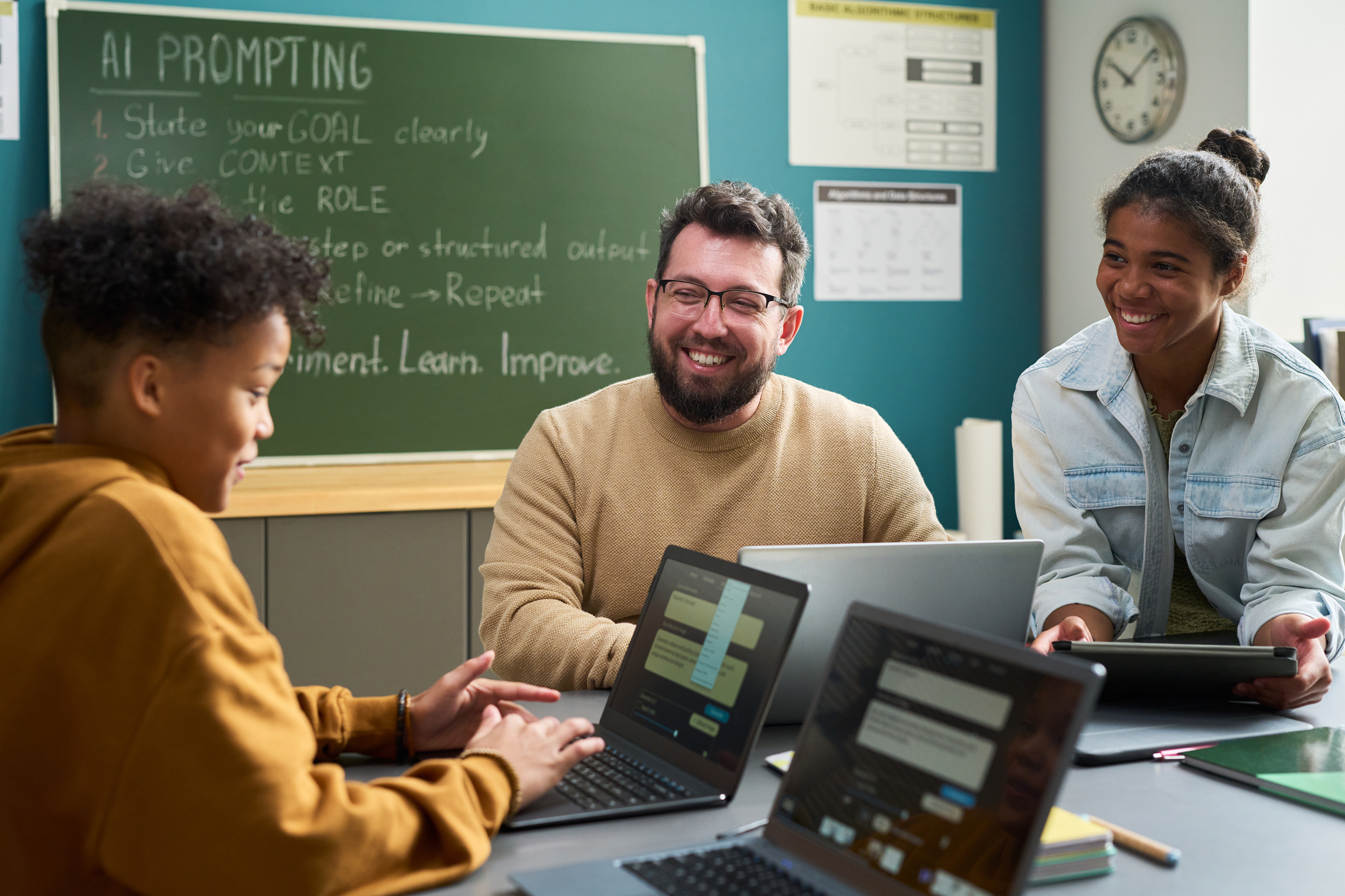
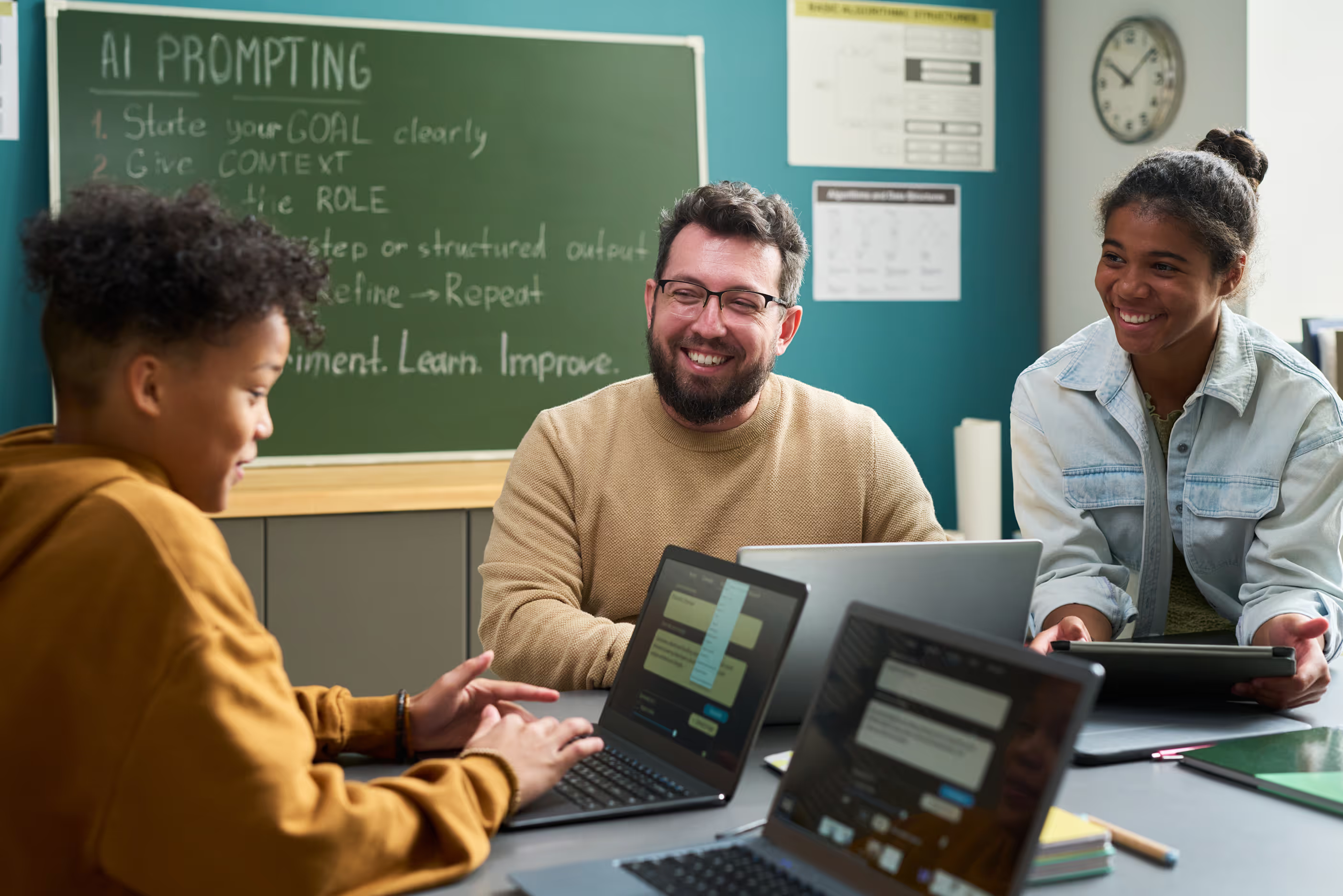
Streamline student feedback with AI tools like ChatGPT, Brisk, and Magic School. Create efficient, personalized, and meaningful feedback that saves time.
Turn Google Sheets into interactive games with Flippity.net. Explore templates and implementation ideas to boost student engagement and learning.

Create interactive video lessons with Edpuzzle. Track student participation, integrate assessments, and differentiate instruction through engaging videos.

Design personalized, self-paced learning with Deck.Toys. Create drag-and-drop activities that give students voice and choice in their learning journey.
Master Google Docs collaboration features. Learn sharing settings, commenting, version history, and powerful teamwork tools.

Create efficient workflows in Canvas LMS. Master To Do Lists, Calendar, and SpeedGrader to save time and energy for both you and your students.
Adapt Canvas for elementary classrooms with practical tips. Design homepages, simplify navigation, create paced modules, and use audio/video announcements.

Introduce graphic design skills with Canva for Education. Use drag-and-drop templates to create engaging project-based activities for any subject or grade.

Spark student creativity with Book Creator for blended learning. Create digital books, deliver content creatively, and encourage deeper student engagement.
Create stunning Google Slides templates and digital worksheets. Learn to use text boxes and shape tools to bring student projects to life.

Prepare Gen Z students for 21st-century careers. Learn why project-based experiences are essential for developing in-demand workplace skills.

Upskill students for future success. Enhance study skills, technology, creativity, and soft skills to prepare them for what's ahead.

Make quadratic factoring tangible with manipulatives. Use algebra tiles and visual tools to help students understand trinomials, perfect squares, and more.

Continue exploring dyslexia and reading disorders with Part 2. Identify early signs, differentiate challenges, and implement targeted interventions.
Unravel the mysteries of dyslexia and reading disorders. Learn to recognize early signs, differentiate challenges, and implement targeted interventions.

A structured, self-paced professional learning experience designed to help new teachers build confidence, masterclassroom essentials, and start strong.

This guided microcredential brings together essential SPED concepts, from understanding laws and IEPs to implementing practical accommodations and interventions, so educators can create inclusive learning environments where every student can thrive.

Artificial intelligence is already reshaping teaching and learning. Our AI Learning Pathways guide educators from foundational understanding to real classroom implementation, showing how generative AI tools can support planning, differentiation, feedback, and student engagement.