Built for All Educators
Tools for every classroom

6 Hours
Self-paced, relevant training
6 Courses
Canva solutions for your challenges
Certificate Included
Up to 6 CE credits
Learn Anywhere
Access courses on any device
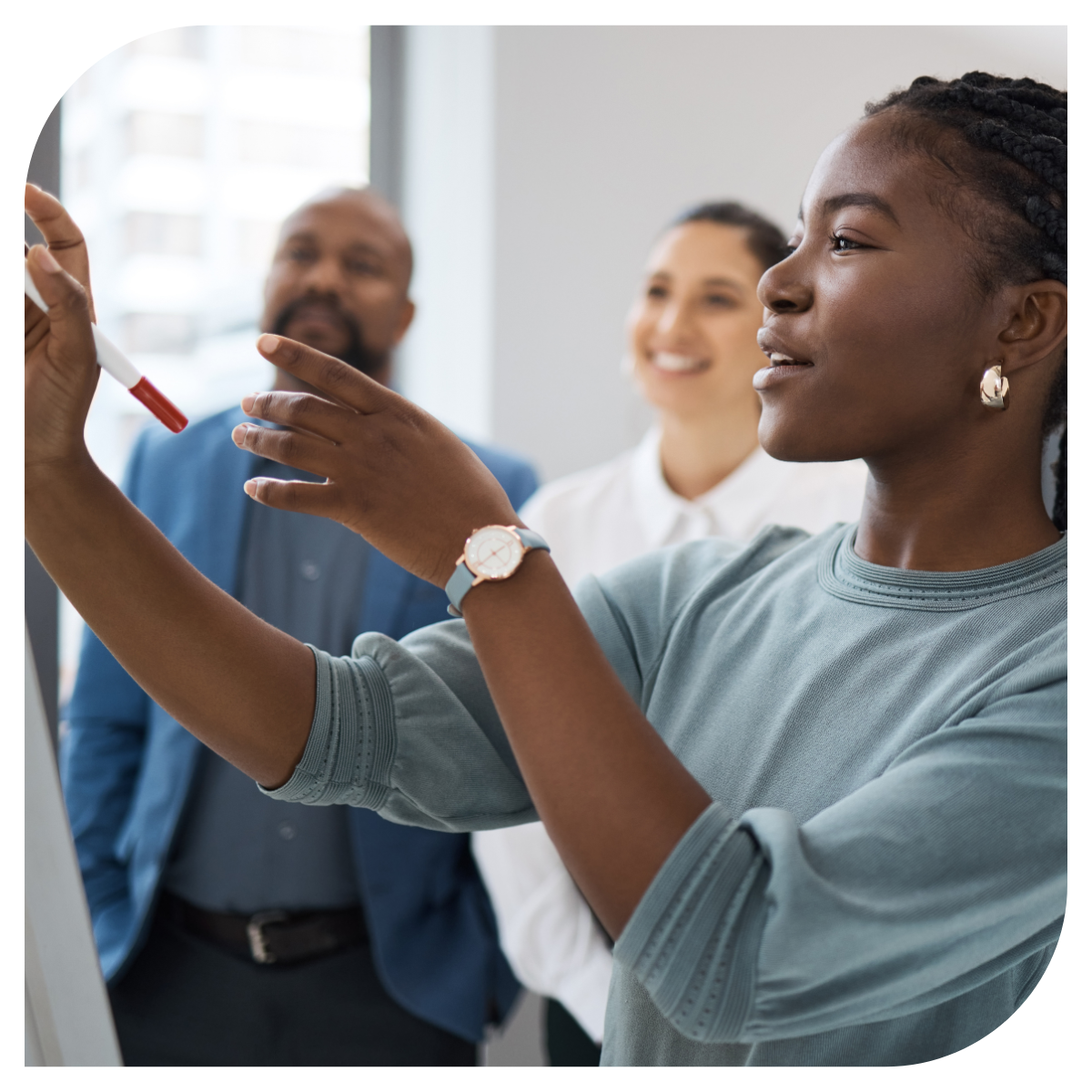
Today's students need opportunities to communicate ideas, solve problems, and demonstrate their understanding in creative ways. Canva provides educators with an easy-to-use platform that supports visual learning, student engagement, collaboration, and digital literacy development. When students create rather than simply consume content, they deepen their understanding and build essential future-ready skills.
This pathway shows educators how to move beyond basic presentations and leverage Canva as a powerful instructional tool that supports creativity, communication, and authentic learning across all content areas.

Expand each course to learn more.
Do you want to create stunning classroom materials without spending hours figuring out complicated design tools? Are you new to Canva and wondering where to begin? Research shows that visually engaging materials boost student attention, comprehension, and retention. Canva is a powerful, user-friendly tool that helps educators design professional-quality resources in minutes—no graphic design degree required. Join technology integration specialist Lauren Boucher for this interactive crash course in Canva. You'll receive a guided tour of the platform's basic functions, including creating innovative designs, navigating templates, customizing layouts, and using essential features to streamline your workflow. Learn how to locate design elements, incorporate your school's brand or classroom themes, and save and share your creations effortlessly. Leave this session ready to transform your lessons, newsletters, presentations, and student activities with confidence and creativity. Lauren's expertise in educational technology will equip you with everything you need to design like a pro—even if you're just getting started.
How can Canva transform your digital classroom workflow? Are you using Canva EDU to its fullest potential to create, assign, and manage student work with ease? Many teachers know Canva for its beautiful designs, but did you know it also offers powerful classroom management features? Canva EDU allows teachers to create assignments, share them directly with students, provide feedback, and track projects—all in one intuitive space. Join educational technology specialist Lauren Boucher to discover how Canva isn't just for teachers, but a FREE creative tool for students, too. Learn how to assign projects seamlessly, leave meaningful feedback, and manage student submissions efficiently. Explore thousands of ready-to-go templates that save you time while engaging students in creative, standards-based learning activities. Lauren's expertise in technology integration will equip you to streamline your digital workflow and empower students with tools that build creativity, confidence, and digital literacy.
How can Canva's AI tools transform your lesson planning and student projects? Are you ready to unlock the full potential of AI to save time and boost creativity in your classroom? Canva is more than just a design platform — its new AI features bring powerful writing assistance, instant image generation, and smart design tools directly to educators and students. These tools can streamline your workflow, enhance instructional materials, and empower students to express their learning in innovative ways. Join technology integration specialist Lauren Boucher as she guides you through Canva's Magic Mode, showcasing AI tools that simplify planning, spark creativity, and help students work smarter, not harder. Learn how to generate images, write captions, create content ideas, and design stunning visuals in seconds. Lauren's expertise will provide you with practical strategies to integrate AI into daily instruction, making your teaching more efficient and your students' learning more engaging.
How can you transform static lessons into dynamic videos that captivate students? Are you ready to empower your learners to showcase their knowledge through video storytelling? Video is a powerful instructional tool that increases student engagement, comprehension, and retention. With Canva, creating high-quality educational videos is easier than ever, even if you don't have professional editing skills. Canva's video features allow teachers and students to produce polished videos that enhance learning experiences and make content come alive. Join technology integration specialist Lauren Boucher to explore how to create cinematic instructional videos using Canva. Learn to turn slides into videos, record voice overs, add animations and music, and guide students in using video for projects and presentations. Lauren's expertise will give you the confidence and skills to seamlessly integrate video creation into your classroom, making lessons interactive and empowering students to share their learning creatively.
How can podcasting amplify student voice and deepen their learning? Are you looking for an easy way to bring podcasting into your classroom without complicated tech tools? Podcasting is a powerful instructional strategy that builds communication skills, critical thinking, and creativity. With Canva's new audio tools and templates, creating educational podcasts has never been easier. Students can plan, script, record, and publish podcasts to share their ideas with authentic audiences, all within Canva's intuitive platform. Join technology integration specialist Lauren Boucher as she guides you through using Canva to create engaging classroom podcasts. Learn how to design podcast projects from start to finish, support students in writing scripts, and teach them to record and edit confidently. Lauren's expertise will give you the confidence and skills to integrate podcasting into your lessons, empowering students to share their voices, reflect deeply, and connect learning across content areas.
How can you unlock Canva's full potential to save time and create stunning designs? Are you ready to move beyond the basics and design like a true Canva pro? Canva isn't just an easy-to-use design tool; it's a powerhouse of features designed to simplify your workflow and maximize creativity. Many educators only scratch the surface of what Canva can do, missing out on hidden gems that make designing faster, easier, and more impactful. Join technology integration specialist Lauren Boucher as she reveals Canva's best-kept secrets. You'll learn clever shortcuts, creative hacks, and lesser-known features to level up your designs in record time. From advanced editing tools to time-saving templates, this session will transform the way you use Canva in your classroom and beyond. Lauren's expertise will give you the confidence to navigate Canva like a champ, creating beautiful, professional-quality visuals that engage students and enhance learning.

“The differentiation and UDL training helped me better support all learners from day one. The examples were easy to apply, and I appreciated how technology was integrated in ways that actually improve instruction. It made me feel more prepared to meet every student’s needs.”

"These courses are bringing a whole new world to the secondary classroom. Exciting time to be an educator!" - Janie M.

“Our new teachers need structured support that builds confidence and translates into immediate classroom impact. This pathway covers the essentials — planning, assessment, classroom management, and collaboration — in a way that helps early-career educators start strong and stay strong.”


Canva is more than a design tool. It's a platform for creativity, communication, collaboration, and student voice. This pathway provides educators with practical strategies to create engaging learning experiences that empower students to think, create, and share with purpose.