

Description
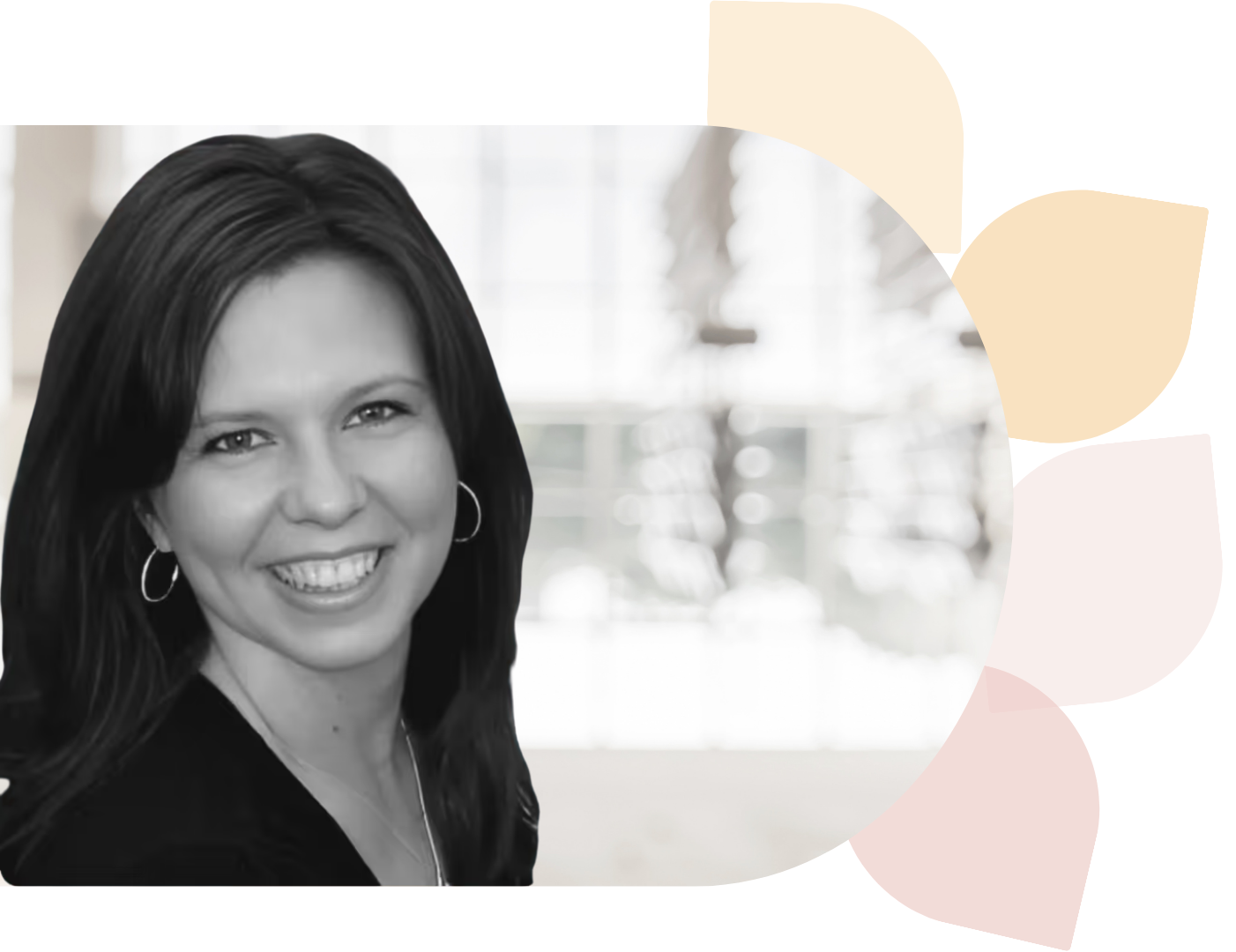
If you are new to using Adobe Photoshop, this workshop will use the basic tools and techniques introduced in part one to create a multi-photo composition. Join Kim Munoz as she shares how to navigate the Photoshop work area to apply adjustments, brushes, and filters such as blend modes, to achieve a desired result. Participants will also have an opportunity to create their own multi-photo composition that will assist them in teaching their students how to effectively use Adobe Photoshop.
Objectives
Explain how to navigate the Photoshop work area by applying adjustments, brushes, and filters. Create a multi-photo composition that incorporates a variety of tools and techniques using the Photoshop work area including the menu bar, options bar, tool panels, brushes, and filters.