




View Your State Requirements

Explore our courses

Choose from 1,000+ expert-led courses in trending categories or follow a curated learning path to build expertise.
Course Type
Categories
Thank you! Your submission has been received!
Oops! Something went wrong while submitting the form.
Utilizing Active Learning Strategies to Empower Students

Utilizing Active Learning Strategies to Empower Students

Instructor:
Michelle Cheasty

Empower students with active learning strategies. Help learners think about, talk about, and process information meaningfully.


April 24, 2026
Instructional Stategies
Course
Learn More
Clock icon
30
minutes
Using Zoom Video Conferencing Tools for Student Engagement

Using Zoom Video Conferencing Tools for Student Engagement

Instructor:
Dr. Jenna Linskens

Boost online engagement with Zoom's interactive tools. Master breakout rooms, whiteboards, and digital annotation for active learning.

April 24, 2026
Virtual Learning
Course
Learn More
Clock icon
30
minutes
Using Wizer to Create Interactive Digital Worksheets

Using Wizer to Create Interactive Digital Worksheets

Instructor:
Dr. Samantha Fecich

Create interactive, self-grading digital worksheets with Wizer. Add video, audio, and varied question types to differentiate learning.

April 24, 2026
Assessment and Review
Course
Learn More
Clock icon
30
minutes
Using the Technology You Already Have to Provide Effective Instruction

Using the Technology You Already Have to Provide Effective Instruction

Instructor:
Susan Brooks-Young

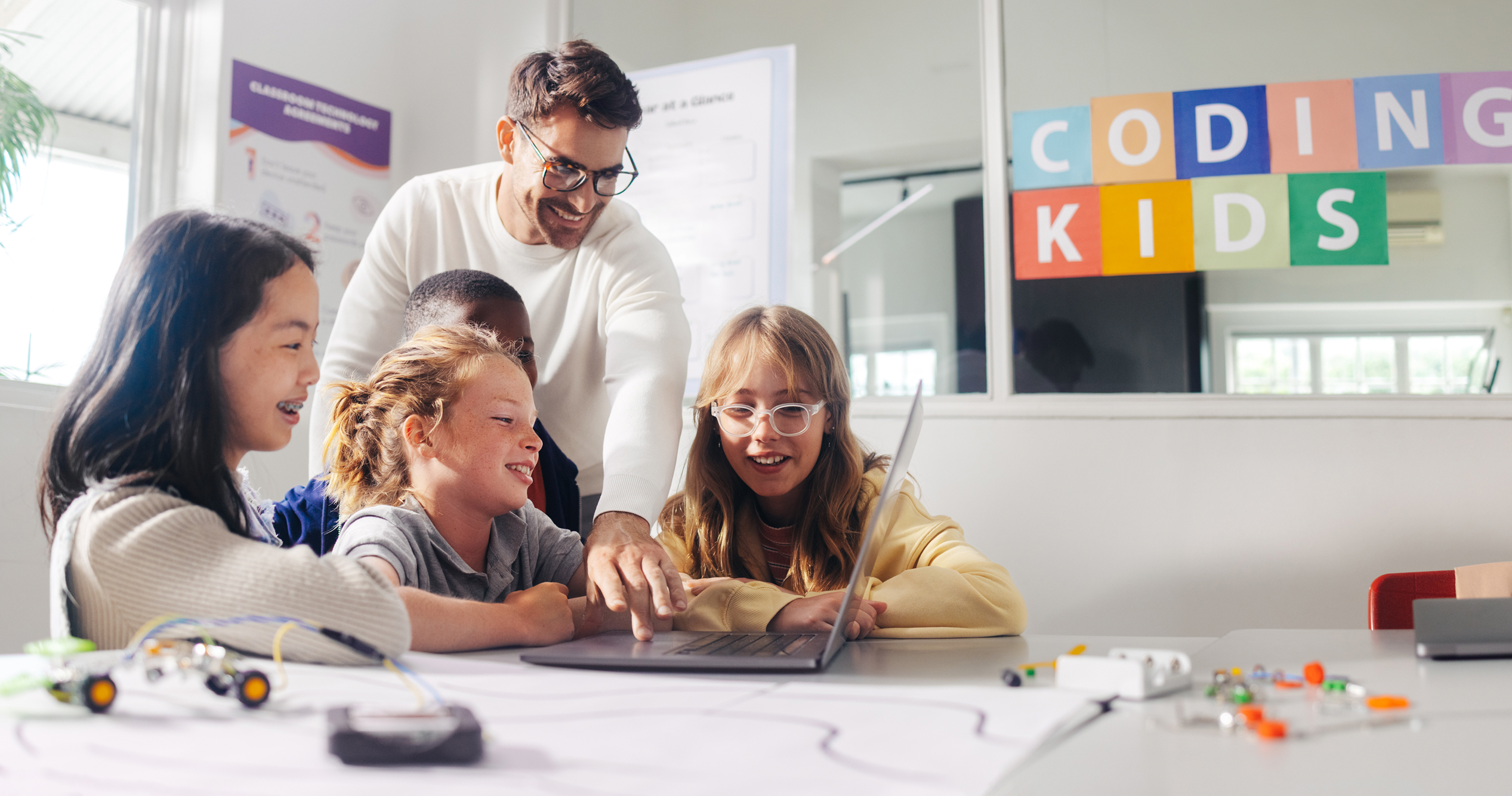
Integrate technology effectively into your teaching practice. Discover tools and strategies that enhance student learning.
April 24, 2026
Technology Integration
Course
Learn More
Clock icon
30
minutes
Using the Chrome Browser to the Best of its Ability

Using the Chrome Browser to the Best of its Ability

Instructor:
Debra Norton

Maximize your Chrome browser and Chromebook potential. Master bookmarking, troubleshooting, and customization for optimal productivity.

April 24, 2026
Google Workspace
Course
Learn More
Clock icon
30
minutes
Using Technology to Diversify Classroom Learning

Using Technology to Diversify Classroom Learning

Instructor:
Michelle Dragalin

Harness technology to create inclusive, personalized learning experiences. Discover tools and strategies that meet diverse student needs and interests.

April 24, 2026
Technology Integration
Course
Learn More
Clock icon
60
minutes
Using Tech within Danielson's Framework: The Classroom Environment, Domain 2

Using Tech within Danielson's Framework: The Classroom Environment, Domain 2

Instructor:
Dr. Samantha Fecich

Integrate technology naturally into Danielson's Domain 2. Explore tools like ClassDojo, Canva, and Classcraft to enhance your classroom environment.

April 24, 2026
Technology Integration
Course
Learn More
Clock icon
30
minutes
Using Tech within Danielson's Framework: Planning and Preparation, Domain 1

Using Tech within Danielson's Framework: Planning and Preparation, Domain 1

Instructor:
Dr. Samantha Fecich

Integrate technology into Danielson's Domain 1 naturally. Explore planning and preparation tools like Chalk.com, Pinterest, Kahoot, Quizizz, and Flipgrid.

April 24, 2026
Technology Integration
Course
Learn More
Clock icon
30
minutes
Using Tech within Danielson's Framework: Instruction, Domain 3

Using Tech within Danielson's Framework: Instruction, Domain 3

Instructor:
Dr. Samantha Fecich

Integrate technology naturally into Danielson's Domain 3 (Instruction). Explore tools that enhance engagement, communication, and learning assessment.
April 24, 2026
Technology Integration
Course
Learn More
Clock icon
30
minutes
Using Teaching and Accessibility Tools in Microsoft PowerPoint

Using Teaching and Accessibility Tools in Microsoft PowerPoint

Instructor:
Tiffany Thompson

Make PowerPoint accessible for diverse learners. Learn to use annotations, comments, subtitles, translations, and other features to meet all student needs.

April 24, 2026
Microsoft
Course
Learn More
Clock icon
30
minutes
Using Teaching and Accessibility Tools in Microsoft Office

Using Teaching and Accessibility Tools in Microsoft Office

Instructor:
Tiffany Thompson

Create accessible, inclusive content with Microsoft Office tools. Build personalized learning experiences that meet diverse student needs and abilities.

April 24, 2026
Microsoft
Course
Learn More
Clock icon
30
minutes
Using Screencasting to Facilitate Learning From Home

Using Screencasting to Facilitate Learning From Home

Instructor:
Dr. Matt Bergman

Create engaging instructional videos with screencasting tools. Learn to record your screen and webcam, then share content for effective remote learning.

April 24, 2026
Virtual Learning
Course
Learn More
Clock icon
30
minutes
Using Padlet for Universal Design for Learning

Using Padlet for Universal Design for Learning

Instructor:
Debra Norton

Support all learners with Padlet and UDL principles. Design boards that foster engagement, representation, and expression for inclusive, creative learning.

April 24, 2026
Differentiation and Personalization
Course
Learn More
Clock icon
30
minutes
Using Multisensory Strategies for Vocabulary Instruction

Using Multisensory Strategies for Vocabulary Instruction

Instructor:
Melissa Mann

Boost vocabulary instruction with multisensory strategies. Engage sight, sound, touch, and movement to enhance learning, retention, and word application.

April 24, 2026
Science of Reading
Course
Learn More
Clock icon
60
minutes
Using Multisensory Strategies for Phonics Instruction

Using Multisensory Strategies for Phonics Instruction

Instructor:
Melissa Mann

Engage all learners with multisensory phonics instruction. Use sight, sound, touch, and movement strategies for whole group, small group, or one-on-one.

April 24, 2026
Science of Reading
Course
Learn More
Clock icon
60
minutes
Using Multisensory Strategies for Comprehension Instruction

Using Multisensory Strategies for Comprehension Instruction

Instructor:
Melissa Mann

Deepen comprehension with multisensory strategies. Engage visual, auditory, and kinesthetic modalities for stronger understanding.

April 24, 2026
English Language Arts
Course
Learn More
Clock icon
60
minutes
Using Lumio to Create Interactive Lessons

Using Lumio to Create Interactive Lessons

Instructor:
Dr. Samantha Fecich

Transform static lessons into interactive experiences with Lumio. Create game-based activities, assessments, and collaborative learning on any device.

April 24, 2026
Assessment and Review
Course
Learn More
Clock icon
30
minutes
Using Kami for Remote Teaching and Learning

Using Kami for Remote Teaching and Learning

Instructor:
Melissa Mann

Prioritize self-care during distance learning with practical strategies. Maintain a healthy mindset and promote physical well-being as an educator.

April 24, 2026
Virtual Learning
Course
Learn More
Clock icon
30
minutes
Using Hexagonal Thinking to Help Your Students Brainstorm and Make Connections

Using Hexagonal Thinking to Help Your Students Brainstorm and Make Connections

Instructor:
Lauren Boucher

Help students brainstorm and make connections with Hexagonal Thinking. Get practical tips and templates for this powerful visual learning strategy.

April 24, 2026
Instructional Stategies
Course
Learn More
Clock icon
30
minutes
Using Google Tools to Increase Student Engagement with Interactive Digital Notebooks

Using Google Tools to Increase Student Engagement with Interactive Digital Notebooks

Instructor:
Lauren Boucher

Create interactive digital notebooks with Google tools. Engage students in tracking, managing, and demonstrating learning across multiple learning styles.

April 24, 2026
Google Workspace
Course
Learn More
Clock icon
30
minutes
New Teacher Pathway

New Teacher Pathway

Instructor:
Dr. Samantha Fecich

A structured, self-paced professional learning experience designed to help new teachers build confidence, masterclassroom essentials, and start strong.

February 23, 2026
Pathway
Learn More
Clock icon
60 minutes
Special Education Learning Pathway

Special Education Learning Pathway

Instructor:
Melissa Mann

This guided microcredential brings together essential SPED concepts, from understanding laws and IEPs to implementing practical accommodations and interventions, so educators can create inclusive learning environments where every student can thrive.

February 23, 2026
Pathway
Learn More
Clock icon
30 minutes
AI Learning Pathways for Teachers

AI Learning Pathways for Teachers

Instructor:
Debra Norton

Artificial intelligence is already reshaping teaching and learning. Our AI Learning Pathways guide educators from foundational understanding to real classroom implementation, showing how generative AI tools can support planning, differentiation, feedback, and student engagement.


February 23, 2026
Pathway
Learn More
Clock icon
60 minutes