


Using Padlet for Universal Design for Learning

Debra Norton
Presenter
30
mins
Course length
Multi Device
Access from mobile or laptop
4.88
Course rating
An adult and a child sitting at a table, working together on homework with notebooks and a smartphone nearby.
A sequence of black and white geometric shapes alternating between quarter circles and half circles arranged in a horizontal line.

Description

How can Universal Design for Learning (UDL) create an inclusive classroom for all students and what role can Padlet play? Universal Design for Learning is a teaching approach that provides all students with equal opportunities to succeed by addressing diverse learning needs. Join Deb Norton for this timesaving, to the point session as she dives as she dives into how Padlet can support UDL's three pillars: engagement, representation, and action & expression, and how to design Padlet boards that foster collaboration, creativity, and accessibility for all learners. Prepare to unlock the power of Padlet and Universal Design for Learning to create an inclusive, engaging learning experience for every student! Deb's expertise in educational technology will provide step-by-step instruction and practical tips and strategies for using Padlet to create a more inclusive and dynamic learning environment.

Objectives

Identify key features of Padlet that align with UDL principles. Explain how Padlet supports engagement, representation, and expression in the classroom. Use Padlet to create an activity that incorporates UDL principles. Examine how Padlet can be customized to meet the needs of diverse learners. Assess the effectiveness of a Padlet-based activity in promoting inclusivity. Design an original Padlet board that fosters engagement, representation, and expression.

Key Take Aways

• Discover how UDL principles can support all learners in your classroom. • Explore the features of Padlet and how they align with UDL's three core pillars. • Learn to design Padlet activities that engage diverse learners and foster collaboration. • Gain practical strategies to integrate Padlet into your teaching for enhanced inclusivity and creativity.

Start your 7-day free trial today and explore this course at no cost.

Continue your learning with full access to our library of 1000+ courses, learning pathways and microcredentials to support your growth.

Meet

Debra Norton

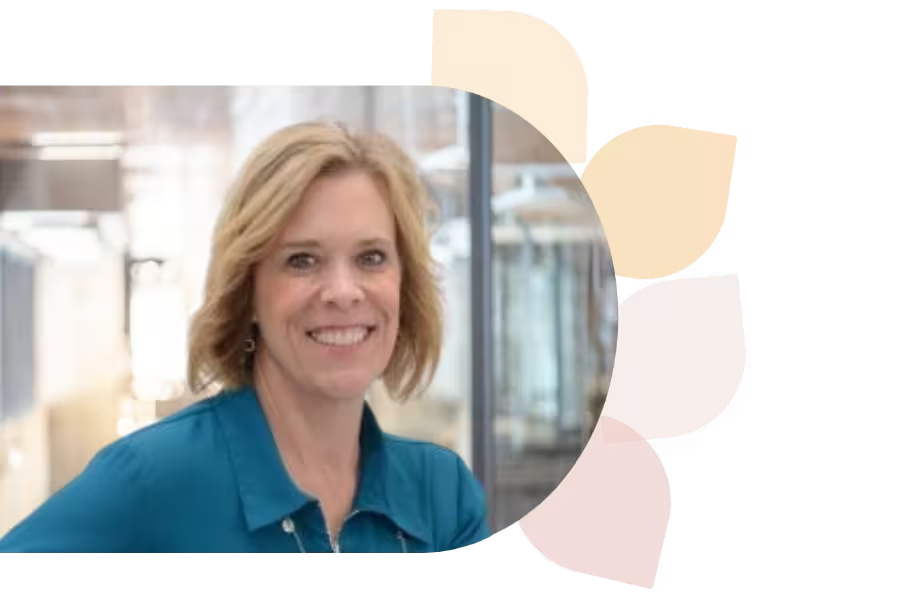
Deb Norton is a Tech Integration Coordinator in Wisconsin’s Oshkosh Area School District. A former 5th grade teacher, she leads ISTE U’s AI course, holds a master’s in EdTech, and is a Google Certified Trainer. She presents nationally and shares her passion via blogging and social media.
Specializes In:
Instructional Technology Coordinator

Over 1,000 courses. 40+ topics. Unlimited potential.

The most comprehensive professional learning library available — designed to grow with you.
Arrow-icon-left
Arrow-icon-right

Ready to grow?

Unlock new strategies and skills—wherever you are in your teaching journey.

A teacher with curly hair and glasses shows a glowing light bulb to a group of smiling children gathered around a table.


