



Workspace Studio 101: Productivity Workflows for Educators

Debra Norton
Presenter
30
mins
Course length
Multi Device
Access from mobile or laptop
5
Course rating
An adult and a child sitting at a table, working together on homework with notebooks and a smartphone nearby.
A sequence of black and white geometric shapes alternating between quarter circles and half circles arranged in a horizontal line.

Description

Overwhelmed by repetitive classroom and communication tasks piling up in Gmail, Drive, and Sheets? Want a simple way to automate the busy work so you can spend more time teaching and connecting with students? Workspace Studio is a new addition inside Google Workspace tools you already use, and automated workflows can streamline routine steps without adding another platform to your plate. In this course, Deb Norton shows you how to set up intelligent, automated workflows that connect Google tools to reduce clicks, improve consistency, and help you regain time for what matters most, with practical examples and a resource deck you can use right away. You will leave with a workflow you can implement immediately and a clear next step for automating one task this week.

Objectives

Define key terms such as automation, workflow, trigger, and action as they relate to Workspace Studio.

Explain how automated workflows reduce repetitive tasks and increase time for instruction and student support.

Set up an automated workflow that connects at least two Google tools such as Gmail and Sheets.

Analyze a current repetitive task to identify the steps that can be automated and the tools involved.

Evaluate an automated workflow for efficiency, clarity, and reliability, then identify one improvement.

Create a commitment to action that names one specific task you will let Workspace Studio handle during the upcoming week.

Key Take Aways

Streamline repetitive tasks by using Workspace Studio to automate steps you currently do by hand.

Connect Google tools such as Gmail, Drive, and Sheets into one workflow that reduces daily busy work.

Improve consistency and follow-through with simple, repeatable automation routines that run in the background.

Leave with a realistic next-step plan so you can apply one workflow immediately in your own classroom workflow.

Start your 7-day free trial today and explore this course at no cost.

Continue your learning with full access to our library of 1000+ courses, learning pathways and microcredentials to support your growth.

Meet

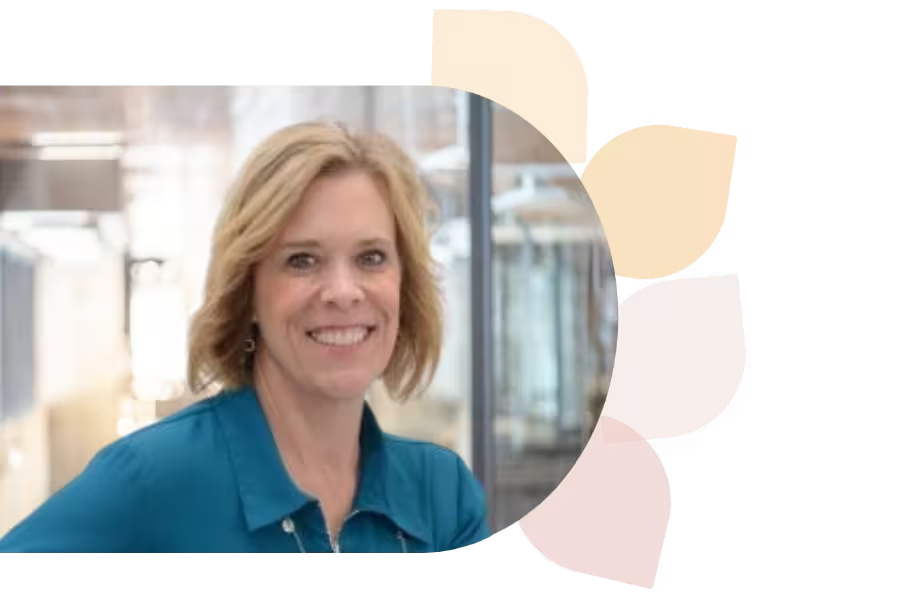
Debra Norton

Deb Norton is a Tech Integration Coordinator in Wisconsin’s Oshkosh Area School District. A former 5th grade teacher, she leads ISTE U’s AI course, holds a master’s in EdTech, and is a Google Certified Trainer. She presents nationally and shares her passion via blogging and social media.
Specializes In:
Instructional Technology Coordinator

Over 1,000 courses. 40+ topics. Unlimited potential.

The most comprehensive professional learning library available — designed to grow with you.
Arrow-icon-left
Arrow-icon-right

Ready to grow?

Unlock new strategies and skills—wherever you are in your teaching journey.

A teacher with curly hair and glasses shows a glowing light bulb to a group of smiling children gathered around a table.


