




Automate classroom tasks with Google Apps Script—no coding required. Create auto-fills, email reminders, and custom spreadsheets to save valuable time.

Organize classroom data like a pro with Google Sheets. Learn formatting, sorting, filtering, and create templates for grades, attendance, and more.

Transform classroom materials with Canva's design tools. Learn to create stunning templates, assign projects, and match lessons to content standards.

Get a brief overview of special education laws. Understand key legislation and legal requirements that guide services for students with disabilities.

Get an introduction to special education essentials. Understand key concepts, processes, and best practices for supporting students with disabilities.

Support visually impaired students with special accommodations and apps. Discover assistive technologies that provide access to learning for all students.

Amplify student voice in your classroom community. Empower learners to share ideas and influence their education.

Protect students from social media and cyber challenges. Learn to identify risks and teach digital citizenship skills for safe online navigation.

Provide SEL support during distance learning. Learn strategies for teaching social-emotional skills remotely with resources for parents to use at home.

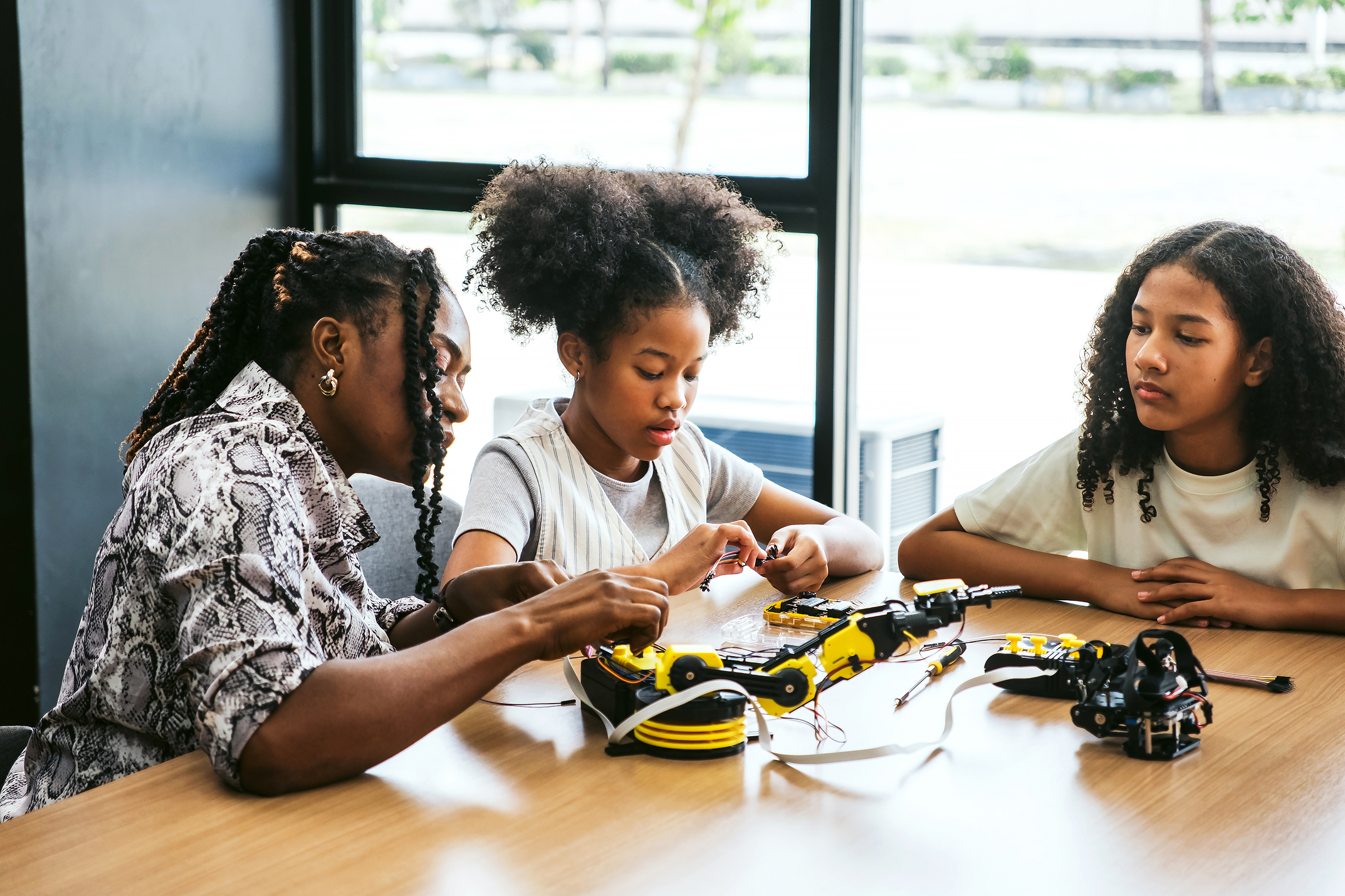
Integrate STEM and SEL in early childhood classrooms. Foster empathy, collaboration, and growth mindset through engineering activities.
Support all students through social and emotional learning. Discover SEL strategies and tools that promote well-being, resilience, and academic success.
Navigate your new role as a collaborative teacher. Learn strategies for effective co-teaching partnerships that benefit all students in inclusive settings.
Turn data into insights with Google Sheets. Use sorting, formulas, and visualization tools for smarter, data-driven teaching decisions.
Start the school year smarter with AI tools. Automate tasks, personalize learning, and create efficient classroom environments.
Create inclusive lessons in six steps using Universal Design for Learning. Ensure all students can access, engage with, and demonstrate their learning.
Explore six co-teaching models in Part 2. Understand what each looks like in the classroom, when to use them, and their benefits and challenges.
Explore the six co-teaching models in Part 1. Understand each approach, when to use it, and how it supports diverse learners in inclusive classrooms.

Get EduProtocol templates ready for any grade or subject. Engage students through critical thinking, collaboration, and creativity.
Shift teacher and student roles in blended learning environments. Explore how technology transforms traditional classroom dynamics for deeper engagement.
Sharpen critical thinking with AI tools. Help students evaluate sources, detect misinformation, and refine reasoning through debate and problem-solving.

A structured, self-paced professional learning experience designed to help new teachers build confidence, masterclassroom essentials, and start strong.

This guided microcredential brings together essential SPED concepts, from understanding laws and IEPs to implementing practical accommodations and interventions, so educators can create inclusive learning environments where every student can thrive.

Artificial intelligence is already reshaping teaching and learning. Our AI Learning Pathways guide educators from foundational understanding to real classroom implementation, showing how generative AI tools can support planning, differentiation, feedback, and student engagement.