



12 Creative Ways to Use Canva with Students for Engagement and Digital Literacy

Debra Norton
Presenter
60
mins
Course length
Multi Device
Access from mobile or laptop
4.86
Course rating
An adult and a child sitting at a table, working together on homework with notebooks and a smartphone nearby.
A sequence of black and white geometric shapes alternating between quarter circles and half circles arranged in a horizontal line.

Description

How can Canva go beyond slideshows to truly deepen student learning? What if one design tool could boost creativity, engagement, and digital literacy across content areas? Digital literacy tools like Canva empower students to understand concepts through visual representation, creativity, and purposeful design. Research shows that when students actively create, rather than consume, content, engagement and retention increase. Canva offers accessible, powerful features that support innovation, communication, and critical thinking in any classroom. Join Deb Norton as she explores 12 transformative ways educators can use Canva to spark creativity, build digital literacy, and increase student engagement. This workshop goes far beyond basic design, highlighting how Canva can be used as an instructional tool to support learning across the curriculum. Participants will explore features such as element styles, photo editing techniques, 3D design elements, Magic tools, AI voice features, and more. You'll walk away with practical ideas you can implement immediately to help students create, communicate, and think visually with purpose.

Objectives

Identify key Canva features that support creativity and digital literacy Explain how visual design tools enhance student engagement and learning Implement at least 12 Canva features to create student-centered learning experiences Examine how Canva projects support skill development across content areas Assess the effectiveness of Canva-based activities in increasing engagement and understanding Design immersive, research-backed learning tasks using Canva's creative and AI-enhanced tools

Key Take Aways

• Explore 12 practical, classroom-ready ways to integrate Canva into instruction across subject areas • Discover how Canva's AI-powered and creative tools can increase student engagement and innovation • Learn strategies for using visual design to support comprehension, creativity, and digital literacy • Identify ways to empower students as creators while aligning Canva projects to learning goals

Start your 7-day free trial today and explore this course at no cost.

Continue your learning with full access to our library of 1000+ courses, learning pathways and microcredentials to support your growth.

Meet

Debra Norton

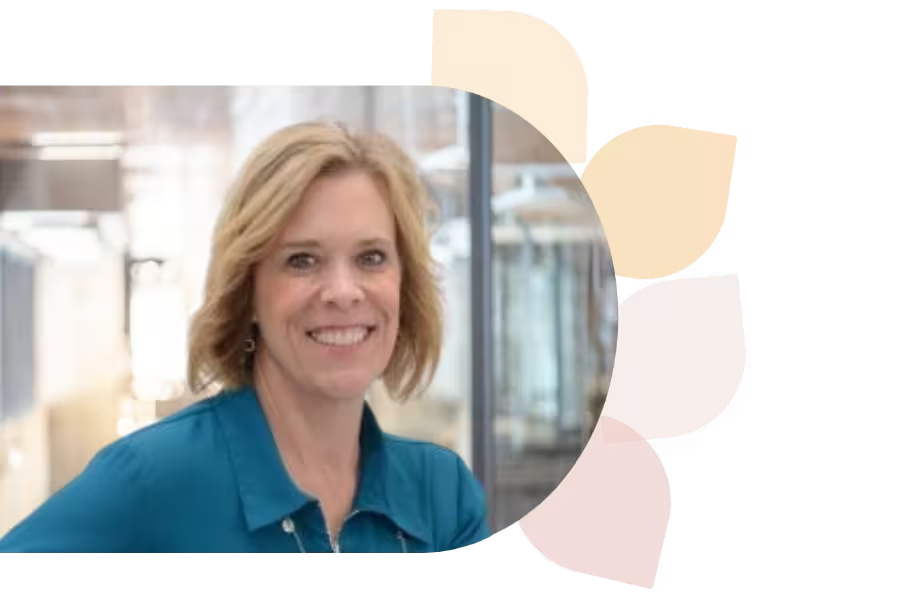
Deb Norton is a Tech Integration Coordinator in Wisconsin’s Oshkosh Area School District. A former 5th grade teacher, she leads ISTE U’s AI course, holds a master’s in EdTech, and is a Google Certified Trainer. She presents nationally and shares her passion via blogging and social media.
Specializes In:
Instructional Technology Coordinator

Over 1,000 courses. 40+ topics. Unlimited potential.

The most comprehensive professional learning library available — designed to grow with you.
Arrow-icon-left
Arrow-icon-right

Ready to grow?

Unlock new strategies and skills—wherever you are in your teaching journey.

A teacher with curly hair and glasses shows a glowing light bulb to a group of smiling children gathered around a table.


