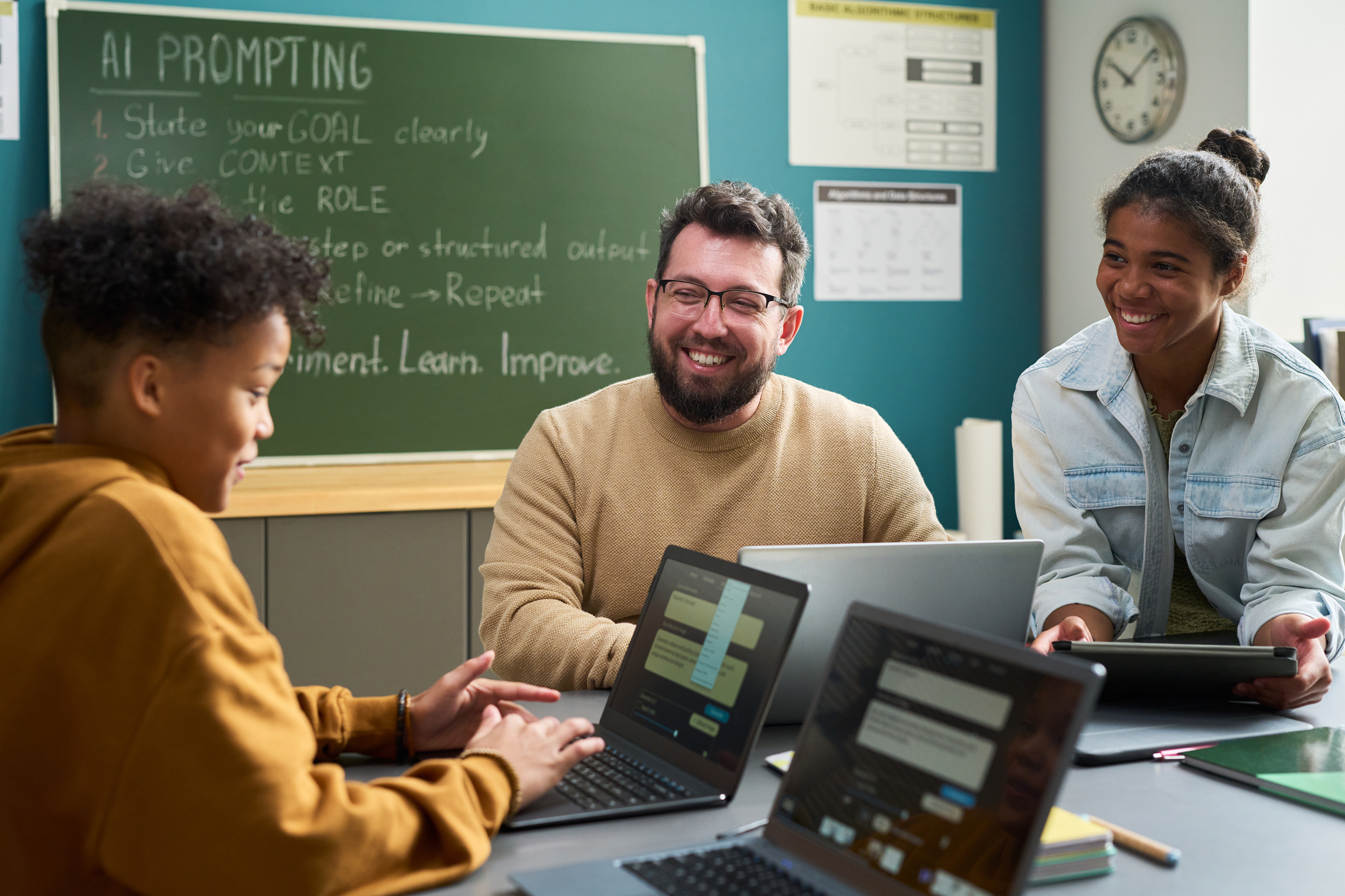


Description
How can Canva's AI tools transform your lesson planning and student projects? Are you ready to unlock the full potential of AI to save time and boost creativity in your classroom? Canva is more than just a design platform — its new AI features bring powerful writing assistance, instant image generation, and smart design tools directly to educators and students. These tools can streamline your workflow, enhance instructional materials, and empower students to express their learning in innovative ways. Join technology integration specialist Lauren Boucher as she guides you through Canva's Magic Mode, showcasing AI tools that simplify planning, spark creativity, and help students work smarter, not harder. Learn how to generate images, write captions, create content ideas, and design stunning visuals in seconds. Lauren's expertise will provide you with practical strategies to integrate AI into daily instruction, making your teaching more efficient and your students' learning more engaging.
Objectives
Identify key AI tools available in Canva's Magic Mode. Explain how Canva's AI features support instructional design and student learning. Utilize at least one AI tool to create instructional materials or resources. Examine AI-generated content for accuracy, appropriateness, and alignment with learning objectives. Assess the impact of using Canva's AI tools on lesson efficiency and student engagement. Design an instructional activity or student project that incorporates Canva's AI tools to enhance learning.