
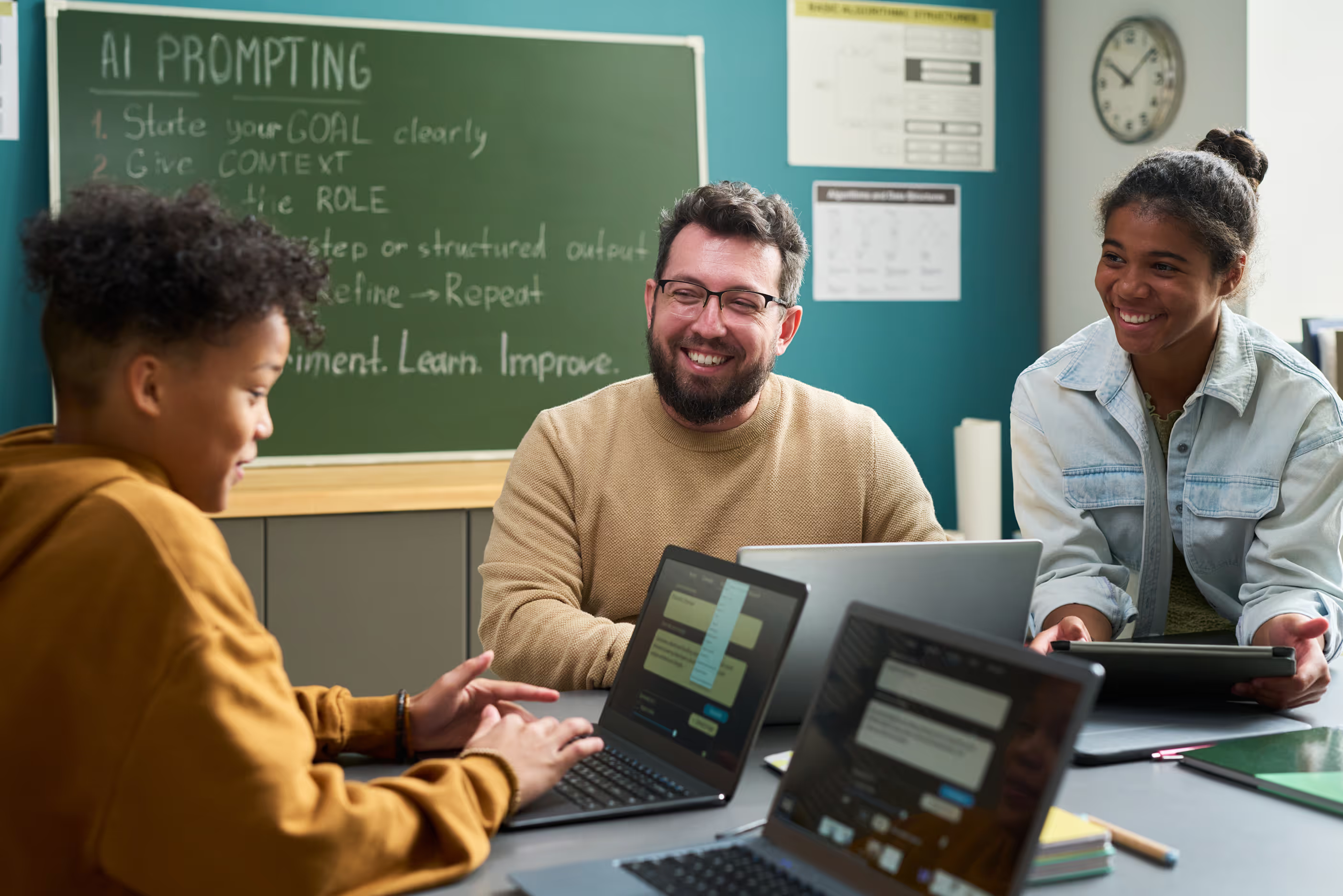



Discover creative funding strategies for your classroom. Learn grants, crowdfunding, and resourceful ways to get supplies without breaking your budget.

Support students experiencing homelessness at school. Understand their unique challenges and provide appropriate resources.

Discover practical strategies that enhance your teaching effectiveness. Gain ready-to-use tools and techniques for immediate classroom impact.
Reach every learner with differentiated instruction strategies. Adjust content, process, and product to meet student needs.

Teach digital citizenship skills students need today. Help them navigate online spaces responsibly and ethically.
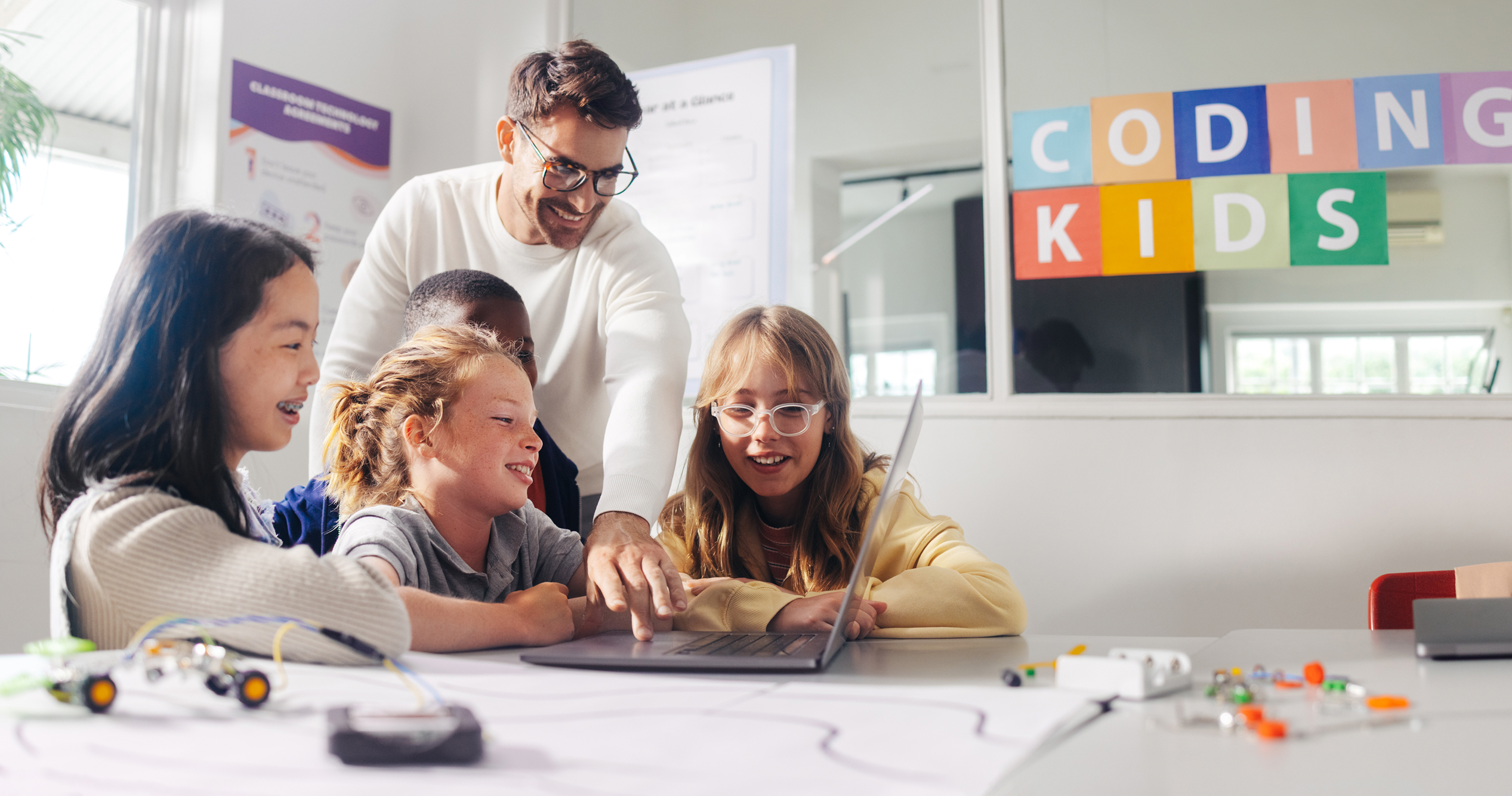
Create digital anchor charts with Google tools. Foster independence, learning culture, and problem-solving skills visually.

Create interactive word walls using Flipgrid and Google Slides. Build digital scavenger hunts that engage and motivate students.
Create immersive virtual field trips with Google Earth and My Maps. Take students to far-away destinations without leaving class.
Design virtual field trips with Canva for Education. Create immersive explorations that take students anywhere on the planet.
Create homework that extends learning meaningfully. Design practice that reinforces skills without overwhelming students.
Create your first video lesson for flipped or blended instruction. Learn tools, editing tips, and best practices step-by-step.

Cultivate growth mindset in your classroom and yourself. Help students embrace challenges and view failures as opportunities to learn.
Design lessons using backward design principles. Start with goals and assessments to create focused, effective instruction.
Rethink grading practices to support student learning. Explore equitable approaches that motivate students and reflect true understanding.
Create reusable Jamboard templates for any subject. Integrate Google Drawings, Slides, and Docs for next-level collaboration.
Personalize Bitmoji scenes with Google Drawings. Add or remove elements to create amazing visuals for your virtual classroom.
Write learning objectives that guide instruction and assessment. Create clear targets that students can understand and achieve.
Create effective digital learning stations for your classroom. Rotate students through engaging, purposeful technology activities.
Unlock Google Keep's teaching potential. Create engaging lessons, manage projects, build presentations, and organize your classroom.
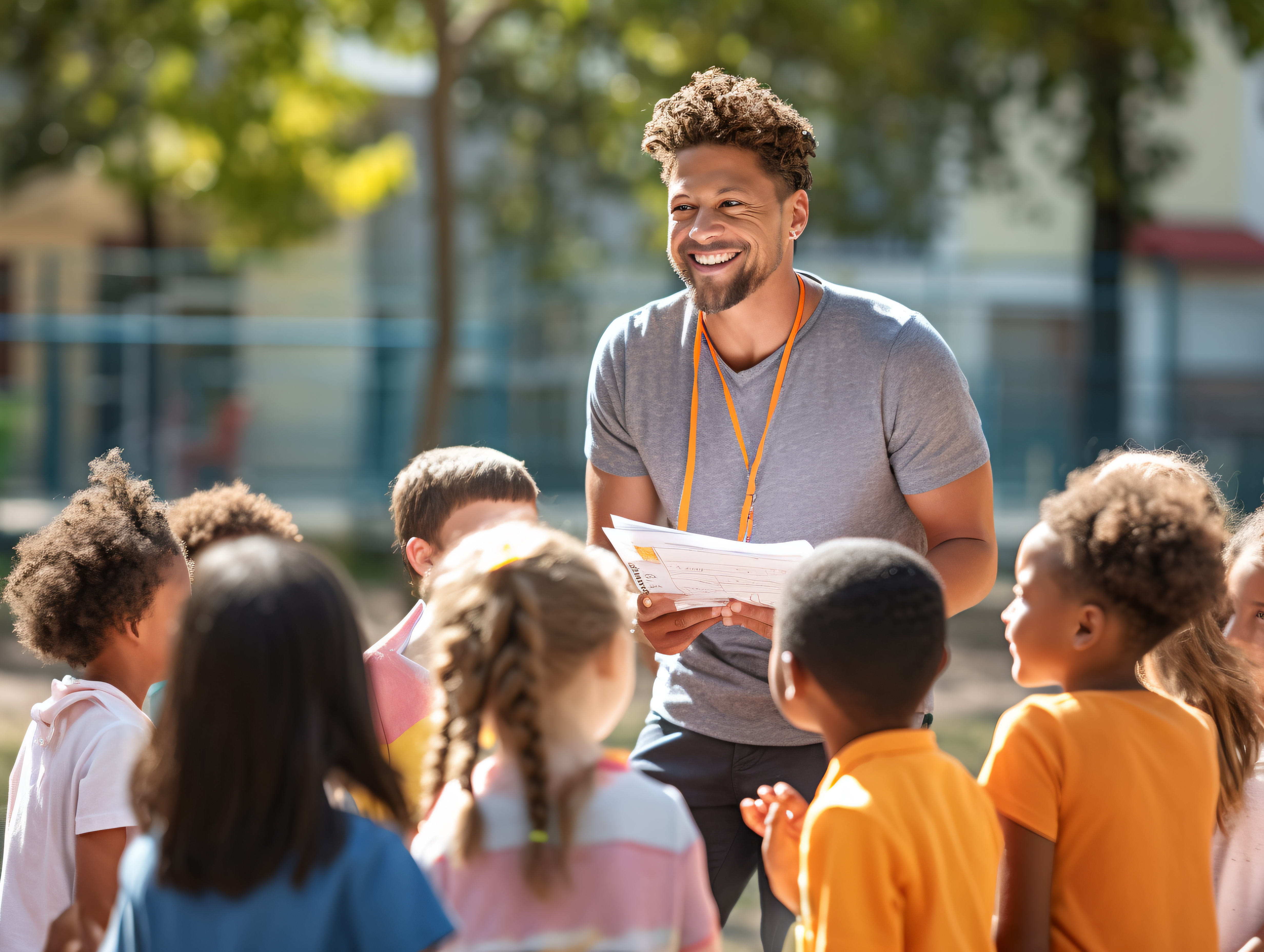
Use data to drive instructional decisions effectively. Analyze student data to improve teaching and learning outcomes.
Designed to help educators understand the root causes of challenging behaviors, implement evidence-based intervention strategies, and foster positive, supportive learning environments.

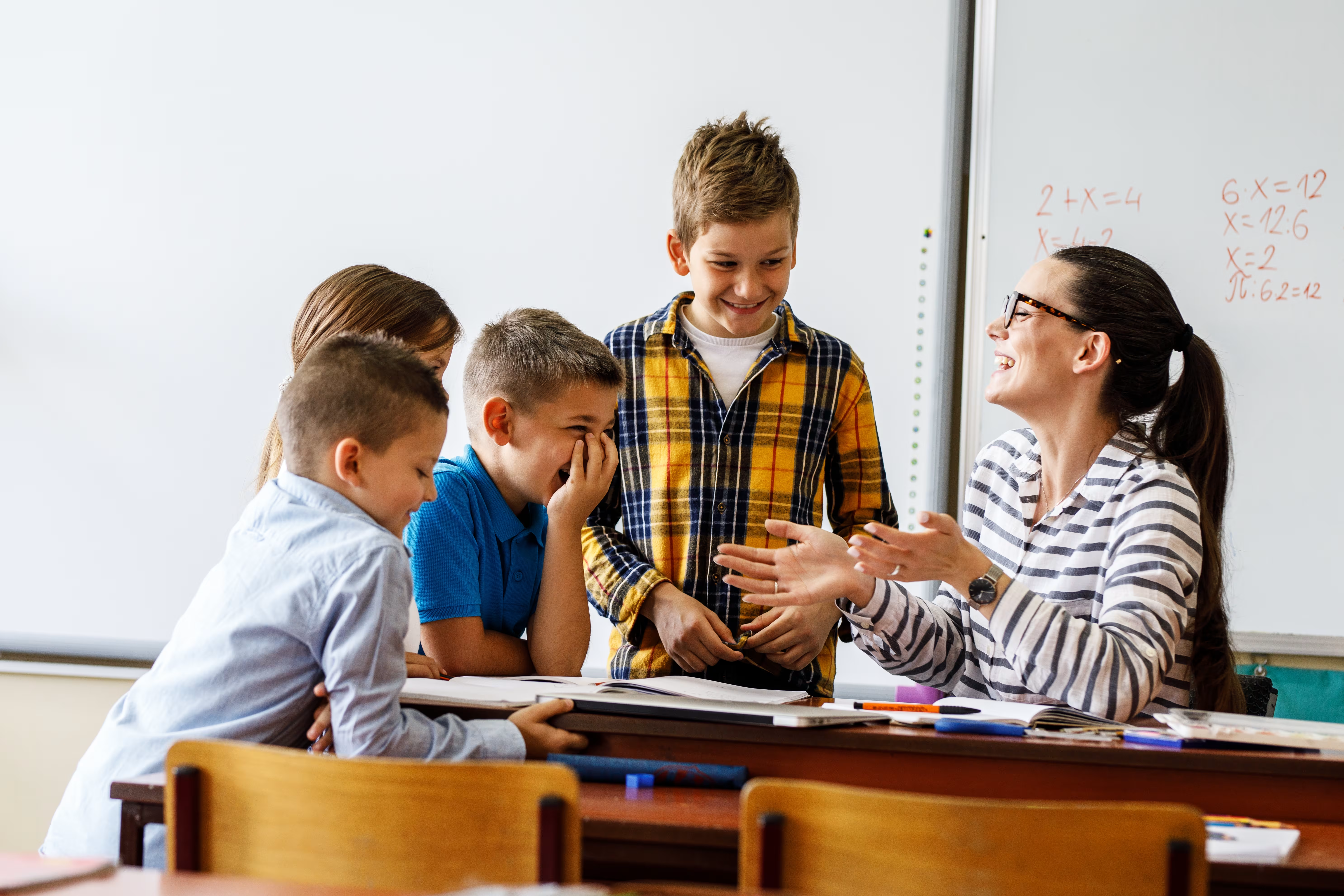
Designed to help educators strengthen instructional practices, increase student engagement, and build confidence in delivering effective, student-centered lessons.

Designed to help educators develop strong professional communication skills, foster collaboration, build meaningful relationships, and contribute positively to school culture.

A structured, self-paced professional learning experience designed to help educators confidently integrate technology into instruction, enhance student learning, and develop the digital skills needed for today's classrooms.

Designed to help substitute teachers effectively manage classrooms, facilitate instruction, build positive relationships, and confidently navigate the unique challenges of stepping into any learning environment.

A structured, self-paced professional learning experience designed to help educators expand their influence, strengthen collaboration, lead meaningful change, and drive school improvement from the classroom.

A structured, self-paced professional learning experience designed to help educators create intentional, engaging, and standards-aligned lessons while saving time and improving instructional impact.

A structured, self-paced professional learning experience designed to help educators effectively implement decodable texts during small-group instruction to accelerate foundational reading skills and build confident readers.

A structured, self-paced professional learning experience designed to help educators harness the power of Canva to create engaging lessons, streamline classroom workflows, and inspire student creativity and digital literacy.

A structured, self-paced professional learning experience designed to help educators build strong literacy foundations through evidence-based reading instruction that supports every learner's path to reading success.

A structured, self-paced professional learning experience designed to help educators strengthen students' oral language skills, build language comprehension, and lay the foundation for lasting literacy success.

Students with dyslexia can thrive when educators understand their unique learning needs and implement evidence-based strategies that foster growth, confidence, and independence.
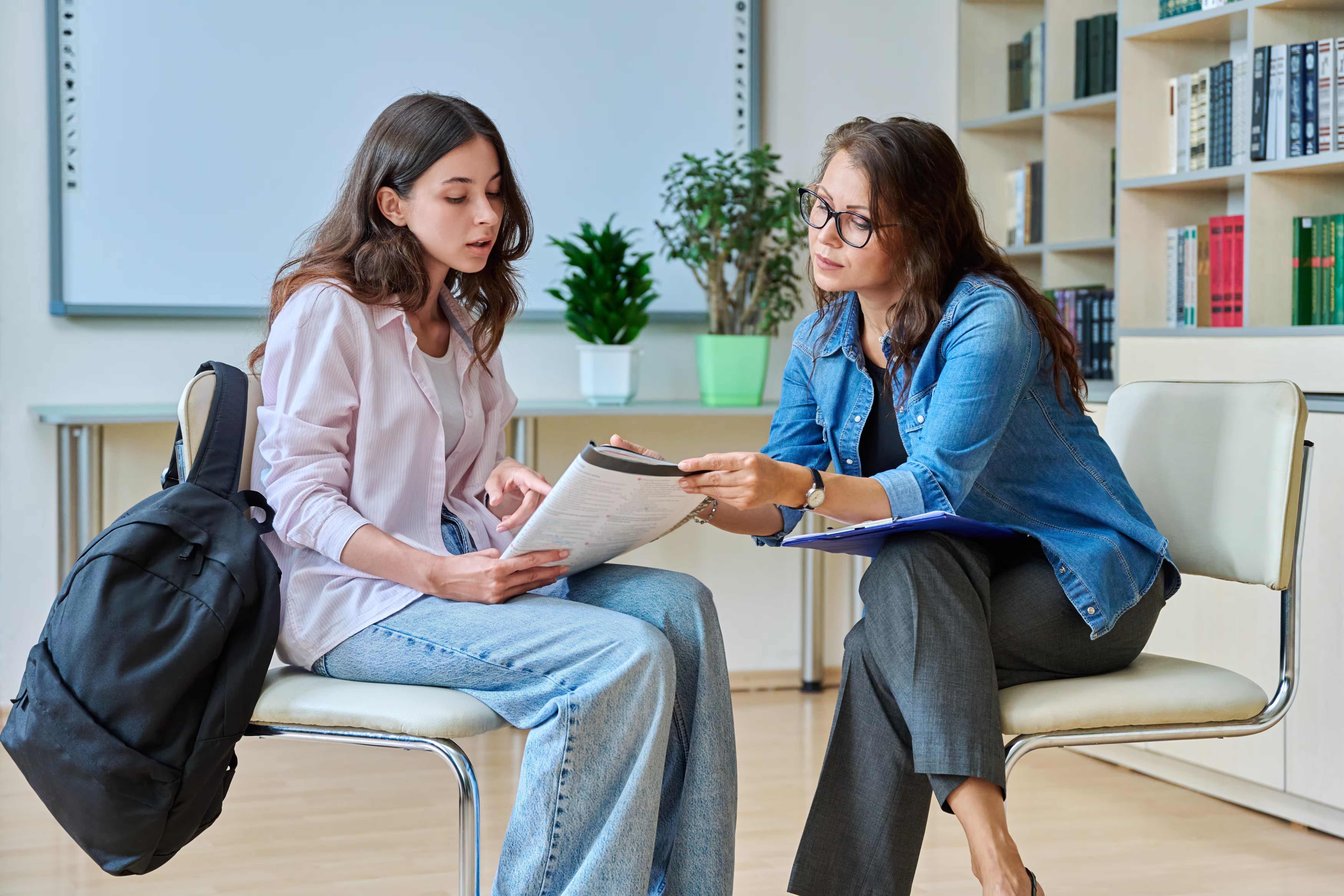
Every student deserves the opportunity to become a confident, successful reader, yet many learners require targeted support to reach grade-level expectations.

A structured, self-paced professional learning experience designed to help educators increase student engagement, boost participation, and create learning environments where every student is actively involved in the learning process.

A structured, self-paced professional learning experience designed to help educators implement evidence-based literacy practices that improve reading outcomes for all learners. Explore structured literacy, multisensory instruction, phonics, orthographic mapping, morphology, vocabulary development, and comprehension strategies grounded in the Science of Reading.

A structured, self-paced professional learning experience designed to help new teachers build confidence, master classroom essentials, and start strong.

This guided microcredential brings together essential SPED concepts, from understanding laws and IEPs to implementing practical accommodations and interventions, so educators can create inclusive learning environments where every student can thrive.

Artificial intelligence is already reshaping teaching and learning. Our AI Learning Pathways guide educators from foundational understanding to real classroom implementation, showing how generative AI tools can support planning, differentiation, feedback, and student engagement.