


Implement the 4 Vs Framework to cultivate a thriving school culture, strengthen team engagement, and create the conditions for lasting success and growth.



Learn practical techniques to support young learners through big emotions, foster emotional awareness, and create a calm, supportive classroom environment.

Explore practical approaches to fostering cultural awareness, engaging families, and creating classrooms where every student feels valued and represented.

Learn how to help students develop digital resilience, create balanced technology habits, and navigate an increasingly connected world with confidence.
Learn how to move beyond technology rules and foster meaningful conversations that build trust, strengthen relationships, and encourage responsible digital decision-making.
Discover practical strategies for helping students build healthy technology habits, make safer online choices, and develop digital wellness skills for lifelong success.

Make K-2 math engaging with purposeful games. Build number sense and fluency while keeping routines manageable and learning-focused.
.svg)
Plan your school year with clarity, not stress. Unpack priority standards and use AI tools to streamline planning before students arrive.
Build a championship team culture with shared purpose and mission. Strengthen trust, belonging, and resilience through practical routines.
Turn team values into daily behaviors that build trust. Use shared commitments to strengthen communication and accountability in PLCs.
Take ownership of your attitude and energy in the classroom. Build positive culture that strengthens trust, motivation, and follow-through.
Teach AI literacy with simple classroom routines. Use think-alouds and guided questioning to build responsible, critical AI users.

Deepen comprehension with after-reading routines that consolidate understanding. Use discussion, writing, and products to reveal student learning.
Define AI literacy for K-12 students across grade spans. Build critical thinking skills to question and evaluate AI-generated information.
Make student thinking visible with during-reading routines. Strengthen metacognition and text engagement through annotation and strategic pauses.

Connect history to literacy, science, and math. Strengthen critical thinking with primary sources and cross-curricular lessons.

Teach family traditions in K-2 with inclusive routines. Use children's literature to build empathy, respect, and classroom community.

Crack the code on test readiness with classroom-embedded strategies. Build student confidence across multiple choice and constructed response formats.
Turn picture books into powerful K-2 social studies lessons. Use read-aloud strategies to teach change over time and perspective.
Automate classroom tasks with Google Workspace Studio. Connect Gmail, Drive, and Sheets to reduce busy work and reclaim teaching time.
Designed to help educators understand the root causes of challenging behaviors, implement evidence-based intervention strategies, and foster positive, supportive learning environments.


Designed to help educators strengthen instructional practices, increase student engagement, and build confidence in delivering effective, student-centered lessons.

Designed to help educators develop strong professional communication skills, foster collaboration, build meaningful relationships, and contribute positively to school culture.

A structured, self-paced professional learning experience designed to help educators confidently integrate technology into instruction, enhance student learning, and develop the digital skills needed for today's classrooms.

Designed to help substitute teachers effectively manage classrooms, facilitate instruction, build positive relationships, and confidently navigate the unique challenges of stepping into any learning environment.

A structured, self-paced professional learning experience designed to help educators expand their influence, strengthen collaboration, lead meaningful change, and drive school improvement from the classroom.

A structured, self-paced professional learning experience designed to help educators create intentional, engaging, and standards-aligned lessons while saving time and improving instructional impact.

A structured, self-paced professional learning experience designed to help educators effectively implement decodable texts during small-group instruction to accelerate foundational reading skills and build confident readers.

A structured, self-paced professional learning experience designed to help educators harness the power of Canva to create engaging lessons, streamline classroom workflows, and inspire student creativity and digital literacy.

A structured, self-paced professional learning experience designed to help educators build strong literacy foundations through evidence-based reading instruction that supports every learner's path to reading success.

A structured, self-paced professional learning experience designed to help educators strengthen students' oral language skills, build language comprehension, and lay the foundation for lasting literacy success.

Students with dyslexia can thrive when educators understand their unique learning needs and implement evidence-based strategies that foster growth, confidence, and independence.

Every student deserves the opportunity to become a confident, successful reader, yet many learners require targeted support to reach grade-level expectations.

A structured, self-paced professional learning experience designed to help educators increase student engagement, boost participation, and create learning environments where every student is actively involved in the learning process.

A structured, self-paced professional learning experience designed to help educators implement evidence-based literacy practices that improve reading outcomes for all learners. Explore structured literacy, multisensory instruction, phonics, orthographic mapping, morphology, vocabulary development, and comprehension strategies grounded in the Science of Reading.

A structured, self-paced professional learning experience designed to help new teachers build confidence, master classroom essentials, and start strong.

This guided microcredential brings together essential SPED concepts, from understanding laws and IEPs to implementing practical accommodations and interventions, so educators can create inclusive learning environments where every student can thrive.

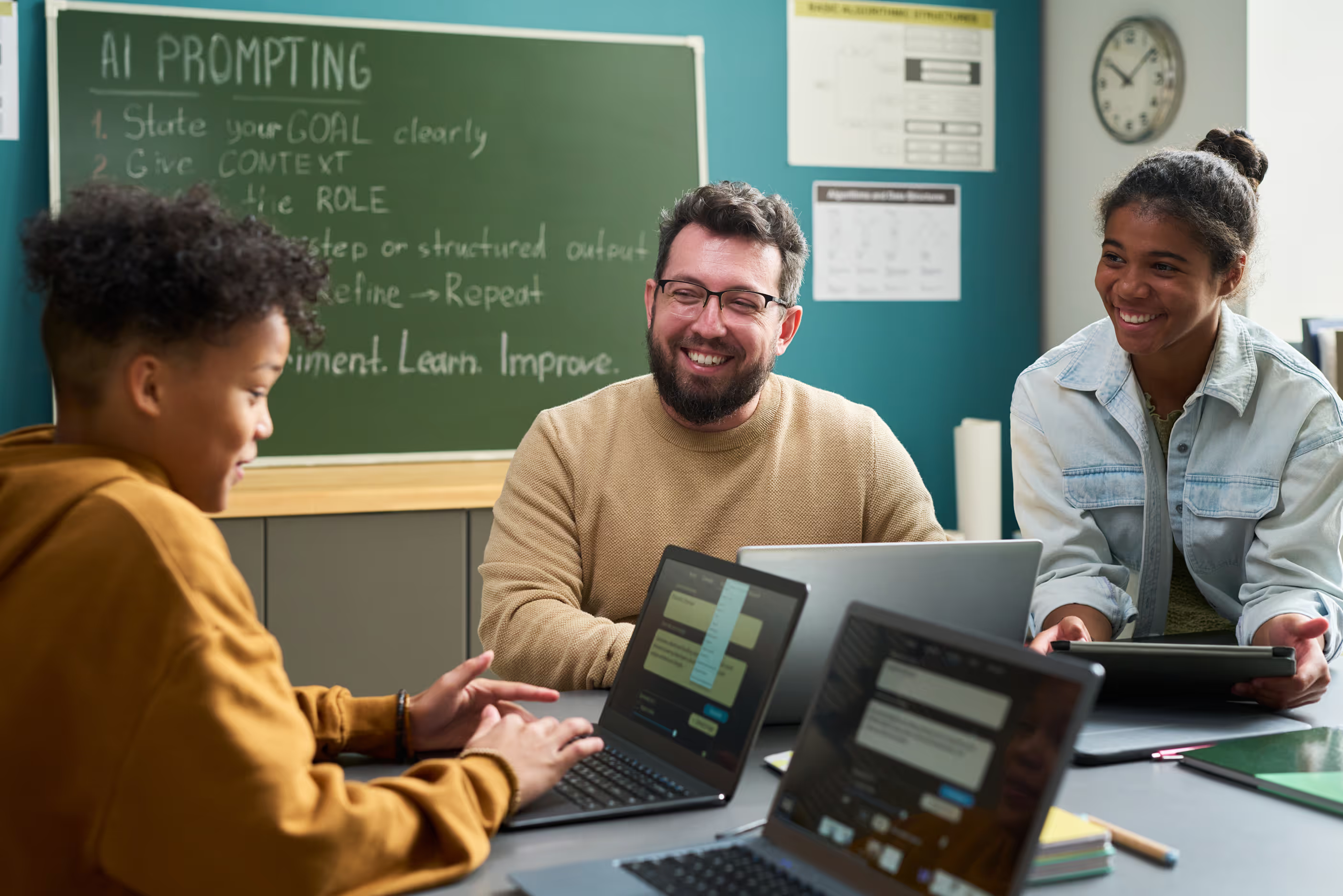
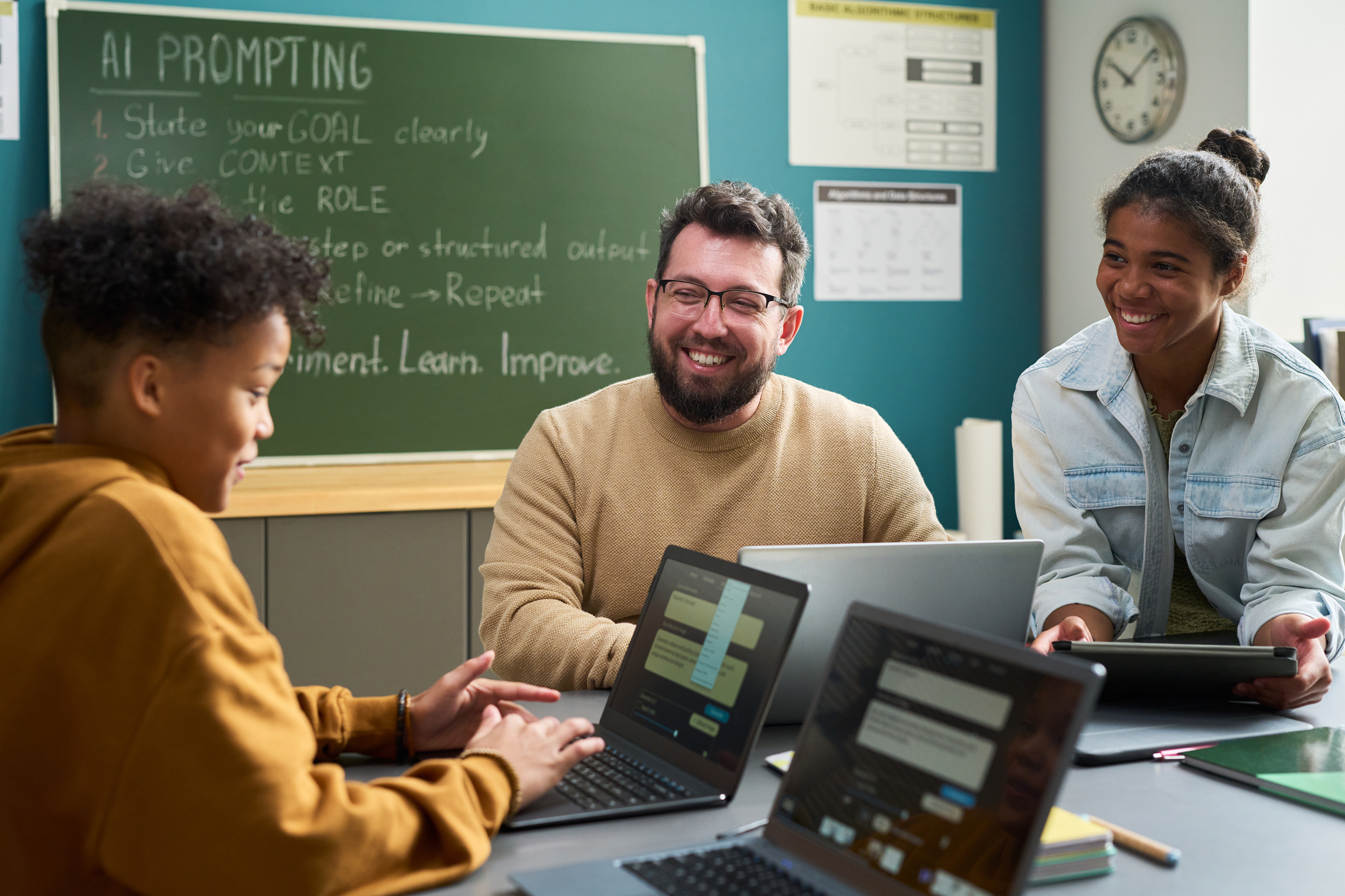
Artificial intelligence is already reshaping teaching and learning. Our AI Learning Pathways guide educators from foundational understanding to real classroom implementation, showing how generative AI tools can support planning, differentiation, feedback, and student engagement.
Before you enroll
Most courses take 30 to 60 minutes and focus on strategies you can use with your students the next day, not dense academic theory. You can start, pause, and pick up where you left off on any device.
Every course comes with a certificate showing the course title, completion date, and hours earned. Learning pathways put related courses in order, so your hours build toward real depth in one area. No fluff. No busywork.
Requirements vary by state and district. Each course comes with a certificate you can use for your records, so check the State Requirements page or contact our team to see how courses fit your local guidelines.