


Learn CPR and AED basics for the classroom. Understand life-saving techniques for adults, children, and infants in emergencies.


Transform story time with innovative ways to animate books. Inspire a love of reading and develop essential literacy skills in children.
Master Google Slides with tips for creating engaging presentations. Explore features, templates, and classroom applications.

Conquer information overload with organizational tips and tools. Stay connected and manage your professional learning journey efficiently.
Create amazing digital projects with Google Workspace tools. Help students of all ages demonstrate learning through visual creativity.
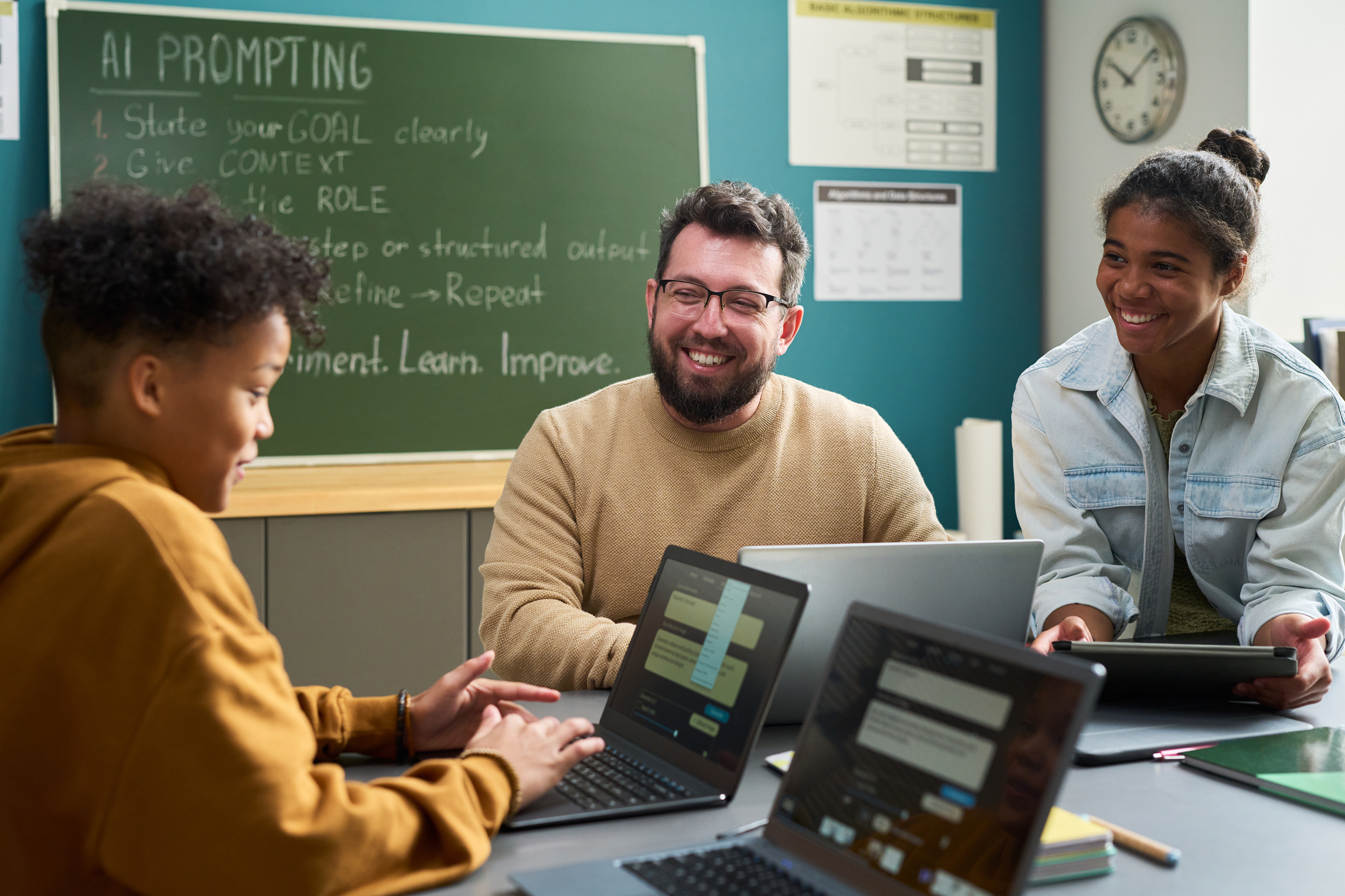
Personalize learning efficiently with AI-powered differentiation tools. Meet diverse student needs while reducing your workload significantly.

Go beyond slide presentations with free student project tools. Discover creative alternatives that engage learners and showcase learning.
Save time with low-lift AI strategies designed for busy teachers. Get practical tips you can implement with minimal effort and maximum impact.
Help students become stronger writers and speakers with AI. Structure writing, adapt messages, and improve communication skills.
Enhance student collaboration with free AI tools. Support brainstorming, co-creating, and seamless group communication in class.
Streamline lesson planning with AI-powered tools. Save time while aligning lessons to standards and boosting rigor and engagement.
Design high-quality rubrics faster with AI. Save time while keeping grading consistent, meaningful, and focused on student learning.
Automate classroom tasks with AI and Google Apps Script—no coding needed. Create auto-fill forms, email reminders, and custom sheets.
Build on Photoshop basics to create multi-photo compositions. Apply adjustments, brushes, filters, and blend modes for stunning results.
Get started with Adobe Photoshop basics. Learn to navigate the workspace, use essential tools, and begin editing photos with confidence.
Continue learning Adobe Illustrator with brushes, the pen tool, and shapebuilder. Create custom shapes and incorporate text in designs.
Get quick, practical tricks for using Adobe Express in your classroom. Start creating engaging content with students right away.

Address learning gaps from virtual learning with proactive and reactive strategies. Support variable learners with flexible approaches.

Turn engagement theory into actionable classroom strategies. Boost motivation and participation with intentional teaching techniques.
Design lessons that promote focus, participation, and meaningful learning. Discover research-based strategies for student engagement.

Designed to help educators understand the root causes of challenging behaviors, implement evidence-based intervention strategies, and foster positive, supportive learning environments.


Designed to help educators strengthen instructional practices, increase student engagement, and build confidence in delivering effective, student-centered lessons.

Designed to help educators develop strong professional communication skills, foster collaboration, build meaningful relationships, and contribute positively to school culture.

A structured, self-paced professional learning experience designed to help educators confidently integrate technology into instruction, enhance student learning, and develop the digital skills needed for today's classrooms.

Designed to help substitute teachers effectively manage classrooms, facilitate instruction, build positive relationships, and confidently navigate the unique challenges of stepping into any learning environment.

A structured, self-paced professional learning experience designed to help educators expand their influence, strengthen collaboration, lead meaningful change, and drive school improvement from the classroom.

A structured, self-paced professional learning experience designed to help educators create intentional, engaging, and standards-aligned lessons while saving time and improving instructional impact.

A structured, self-paced professional learning experience designed to help educators effectively implement decodable texts during small-group instruction to accelerate foundational reading skills and build confident readers.

A structured, self-paced professional learning experience designed to help educators harness the power of Canva to create engaging lessons, streamline classroom workflows, and inspire student creativity and digital literacy.

A structured, self-paced professional learning experience designed to help educators build strong literacy foundations through evidence-based reading instruction that supports every learner's path to reading success.

A structured, self-paced professional learning experience designed to help educators strengthen students' oral language skills, build language comprehension, and lay the foundation for lasting literacy success.

Students with dyslexia can thrive when educators understand their unique learning needs and implement evidence-based strategies that foster growth, confidence, and independence.

Every student deserves the opportunity to become a confident, successful reader, yet many learners require targeted support to reach grade-level expectations.

A structured, self-paced professional learning experience designed to help educators increase student engagement, boost participation, and create learning environments where every student is actively involved in the learning process.

A structured, self-paced professional learning experience designed to help educators implement evidence-based literacy practices that improve reading outcomes for all learners. Explore structured literacy, multisensory instruction, phonics, orthographic mapping, morphology, vocabulary development, and comprehension strategies grounded in the Science of Reading.

A structured, self-paced professional learning experience designed to help new teachers build confidence, master classroom essentials, and start strong.

This guided microcredential brings together essential SPED concepts, from understanding laws and IEPs to implementing practical accommodations and interventions, so educators can create inclusive learning environments where every student can thrive.

Artificial intelligence is already reshaping teaching and learning. Our AI Learning Pathways guide educators from foundational understanding to real classroom implementation, showing how generative AI tools can support planning, differentiation, feedback, and student engagement.